Set up Misc charges
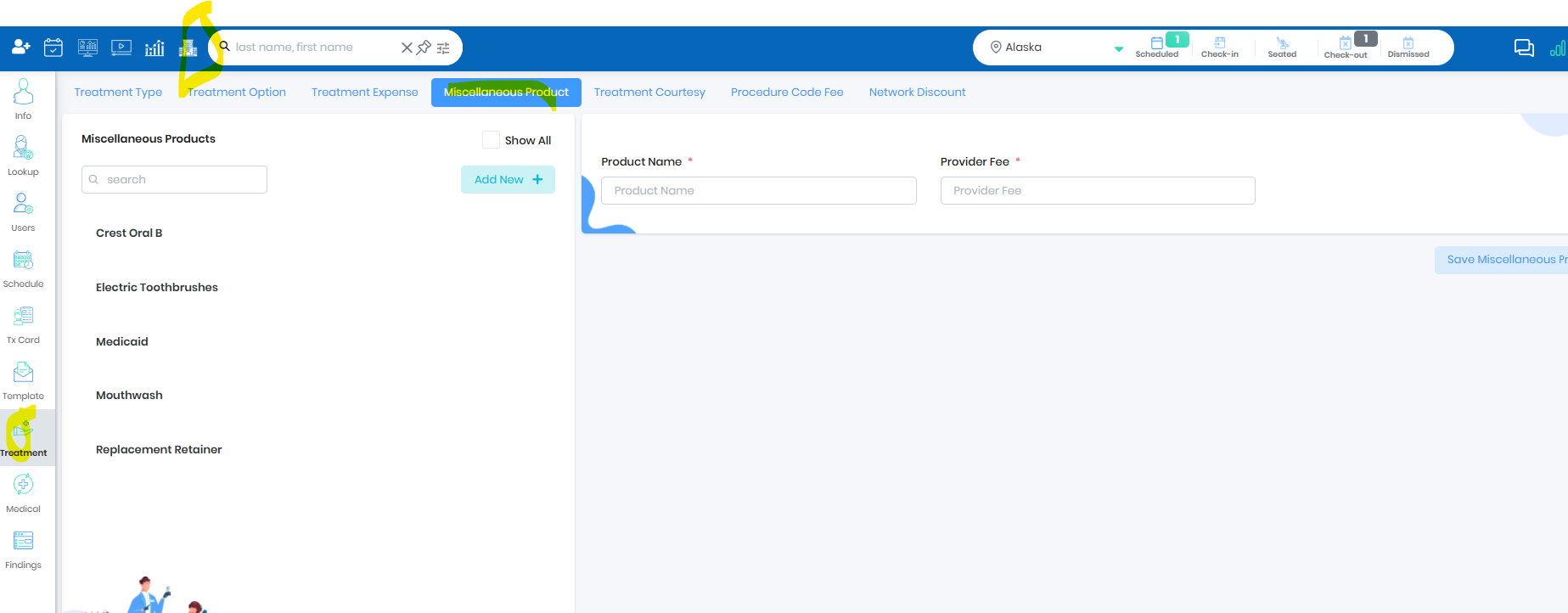
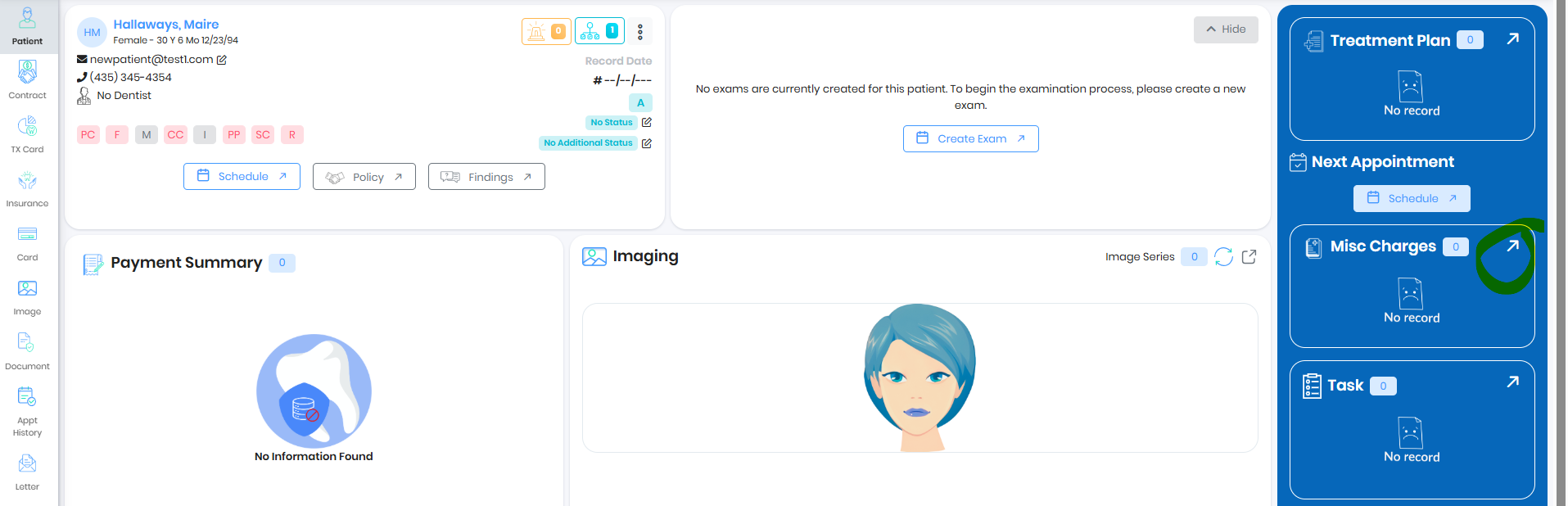
Go to Patient Portal and click on the Misc charges
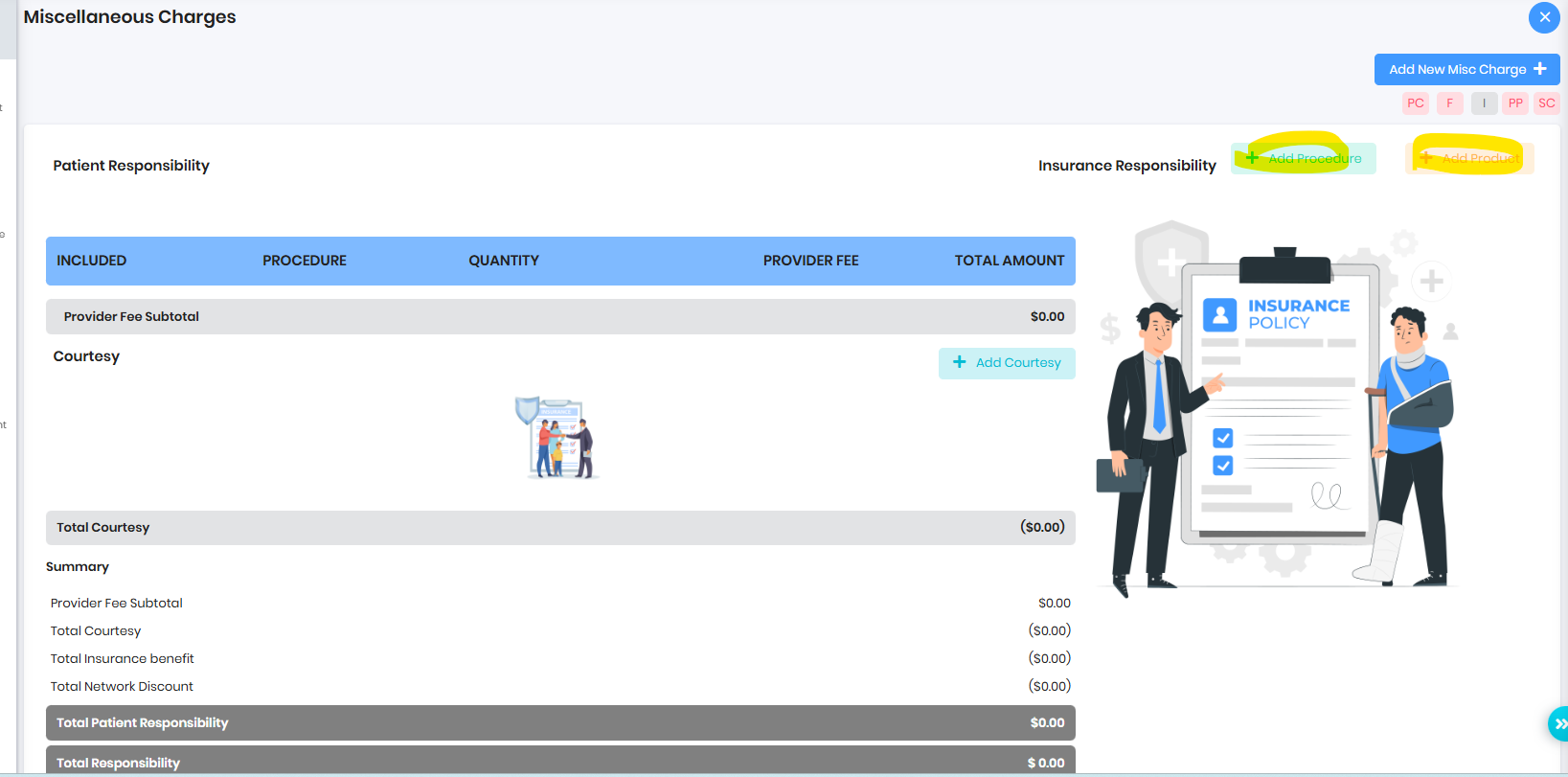
Add Misc Charge to the Patient
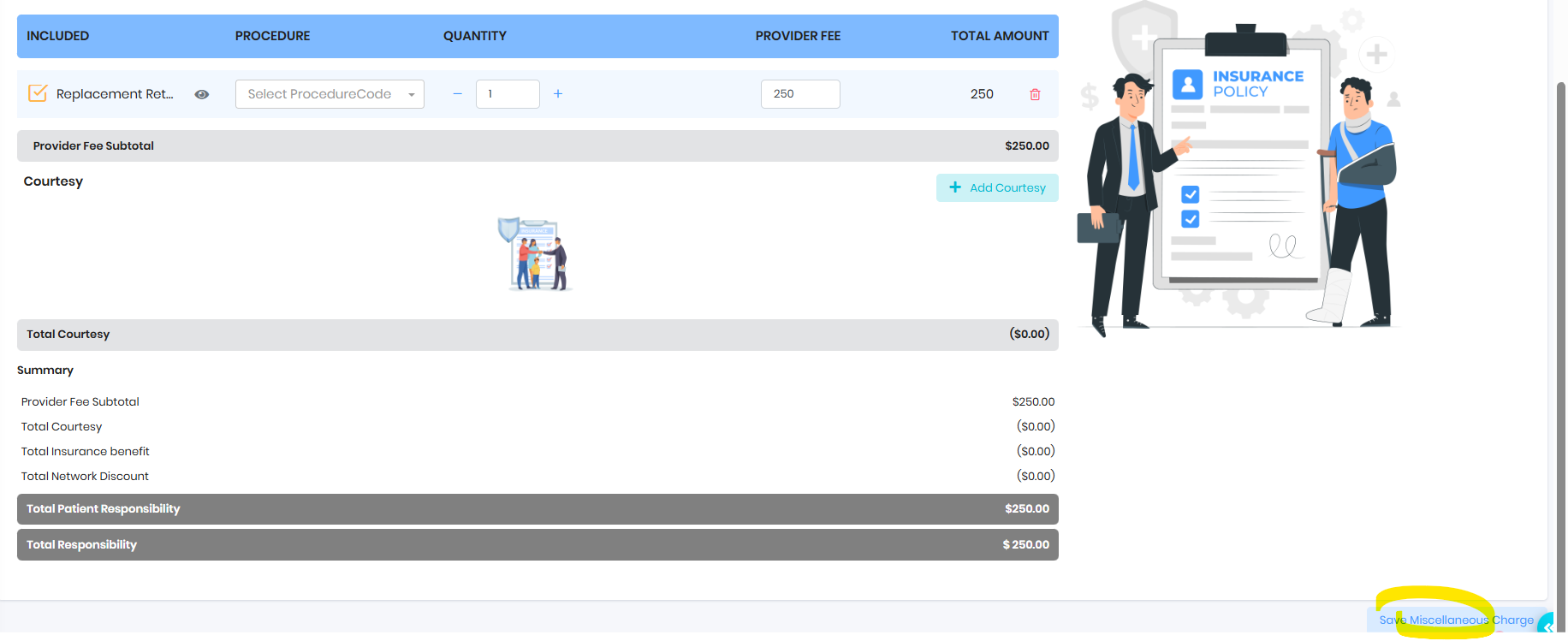
Save Misc Charge
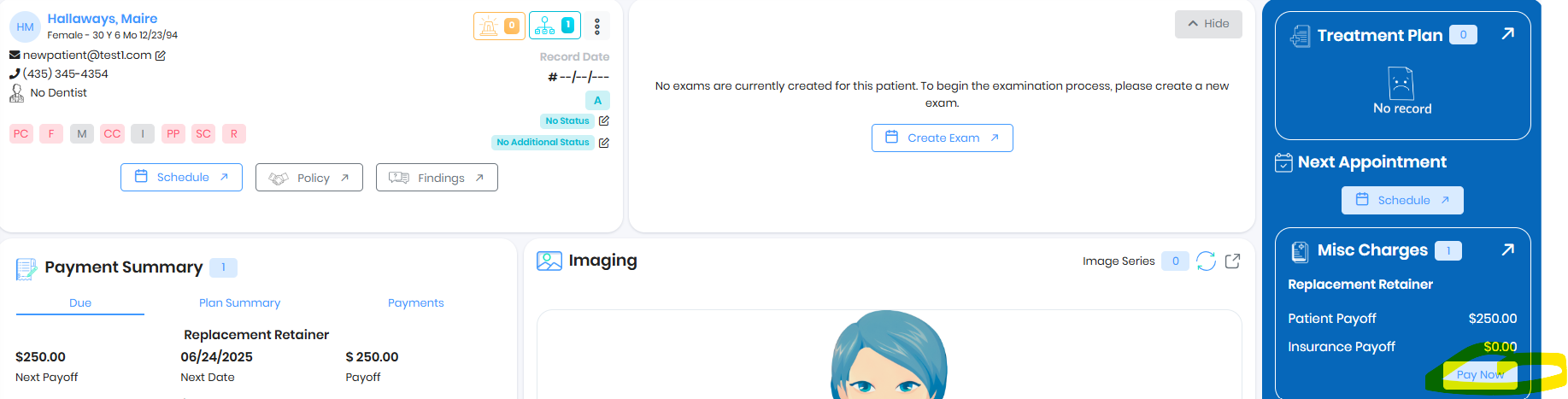
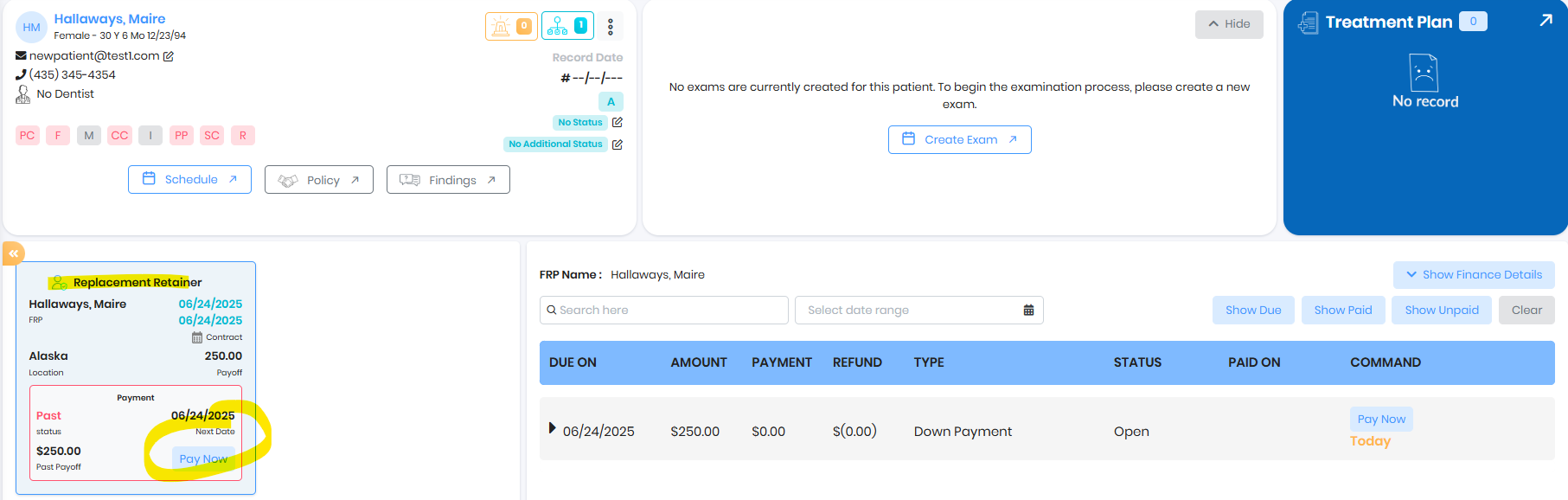
Pay Misc charge
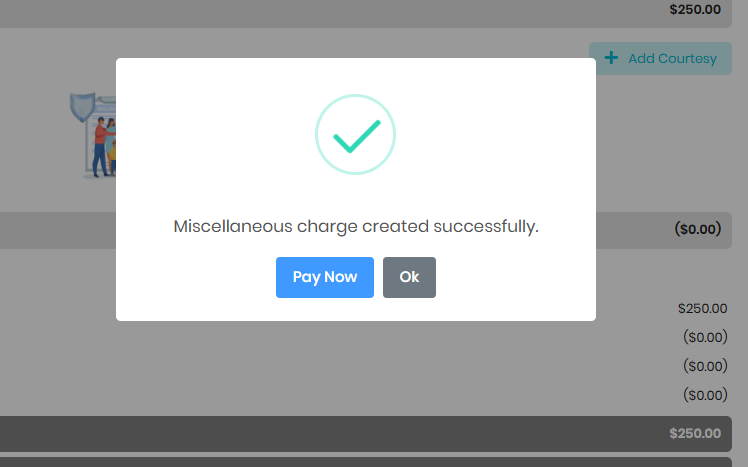
Pay later
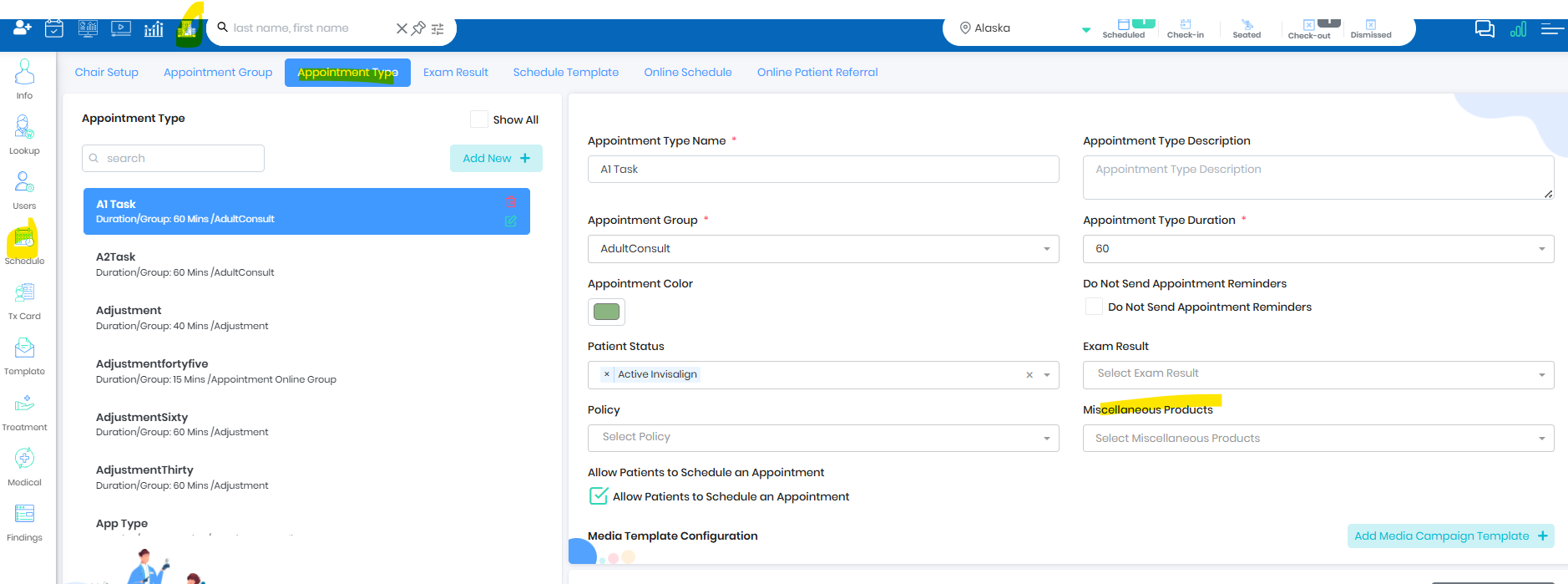
Automate Misc Charge
- Live Ops during dismiss will show the option to charge for Miscellaneous
Was this article helpful?
That’s Great!
Thank you for your feedback
Sorry! We couldn't be helpful
Thank you for your feedback
Feedback sent
We appreciate your effort and will try to fix the article