Deactivate Exam (Multiple Exam Issue)
- Go to patient portal and navigate to the exam which needs to be deactivated
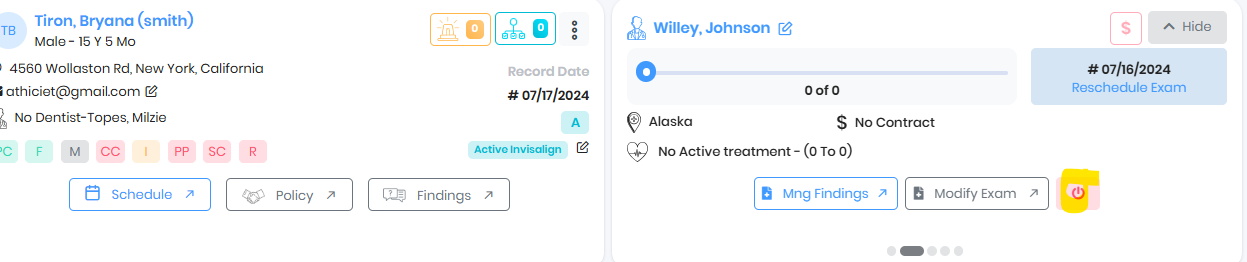
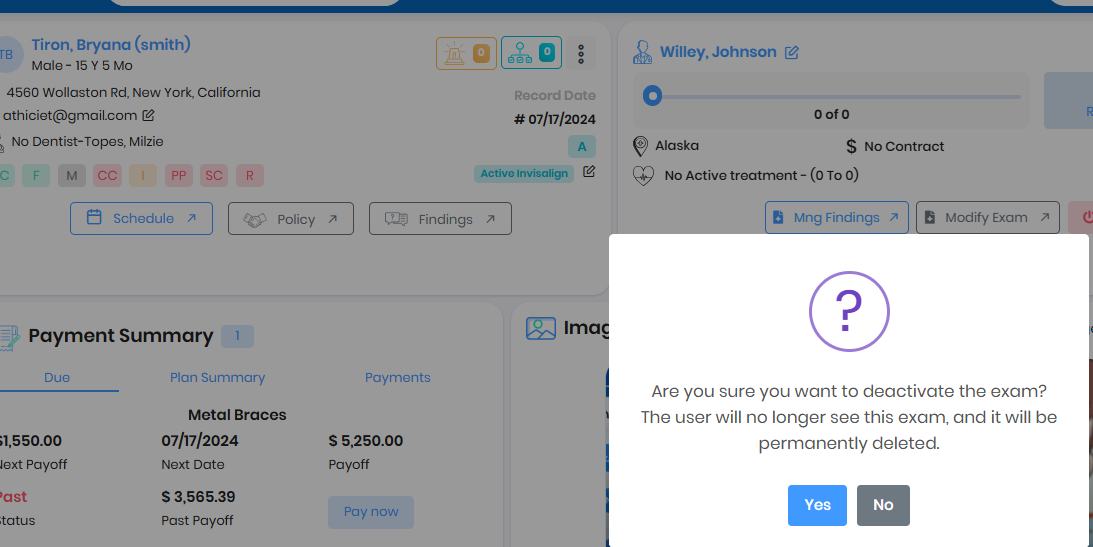
- If the exam doesn't get deactivated, the exam might have active Tx plan recommended

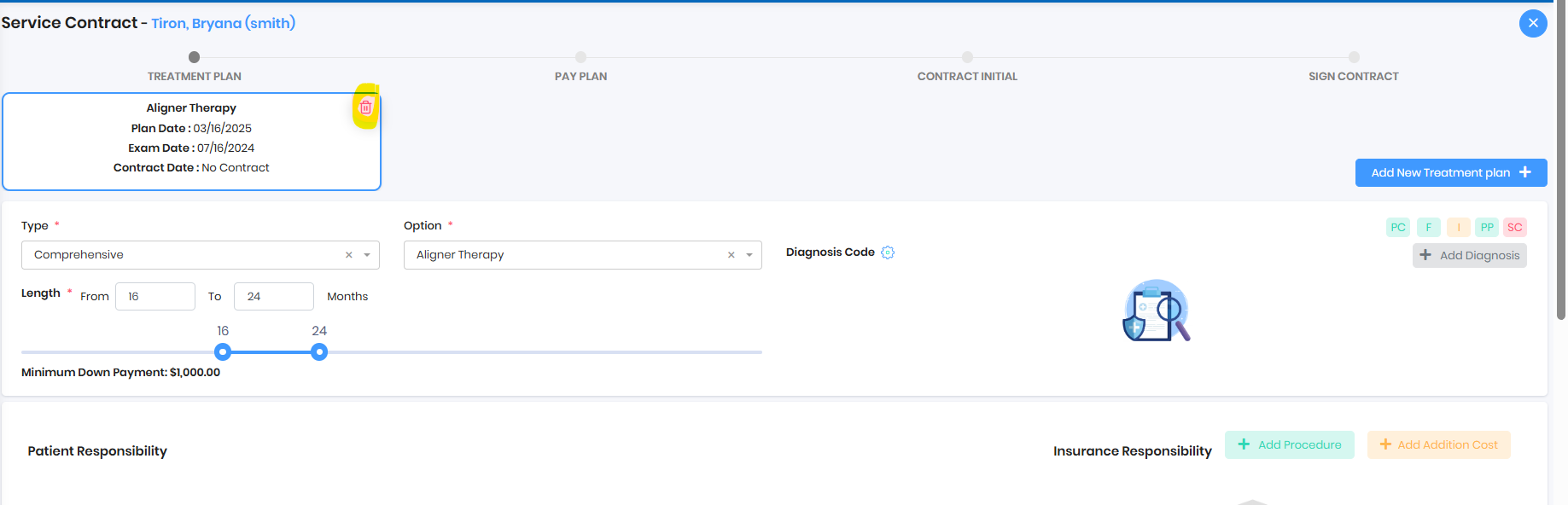
- Delete the Tx plan and then delete the Exam
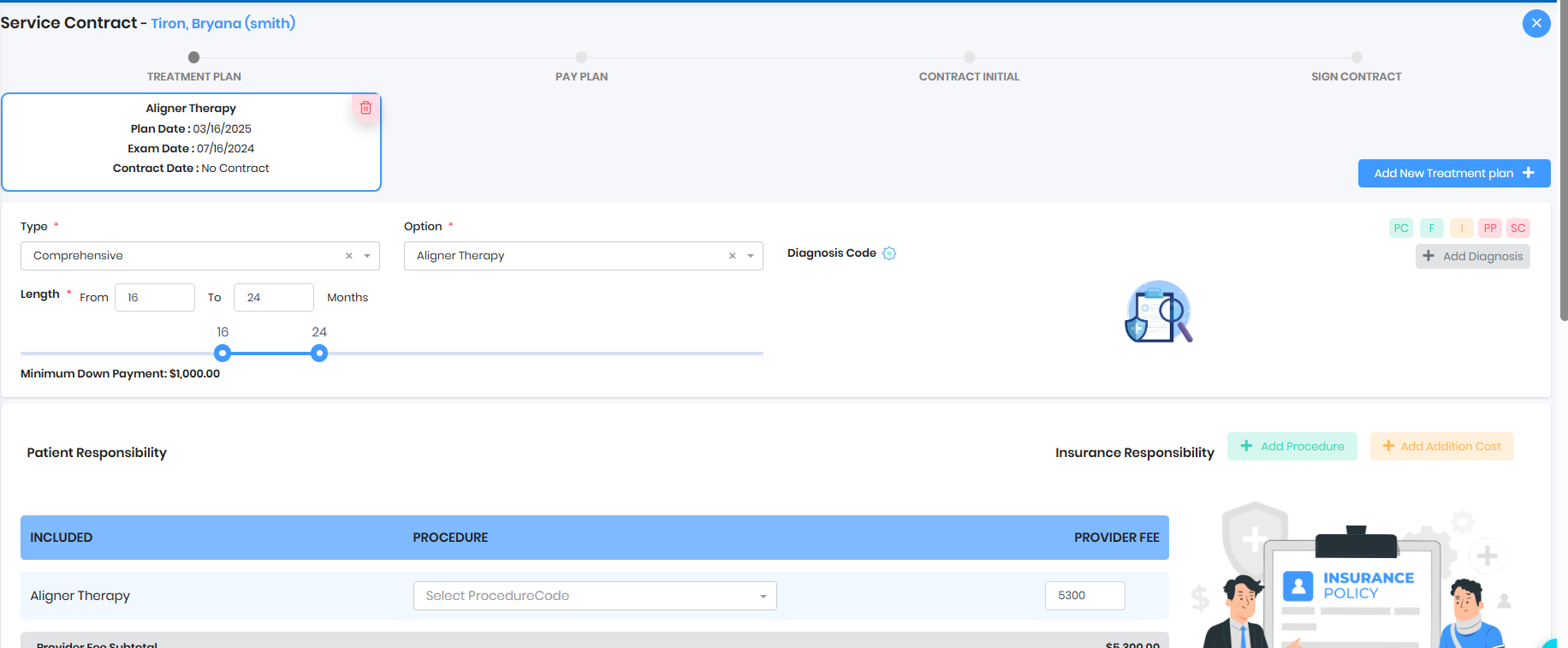
- If the delete icon is missing, then payment plan or sign@home might have been sent to the patient.
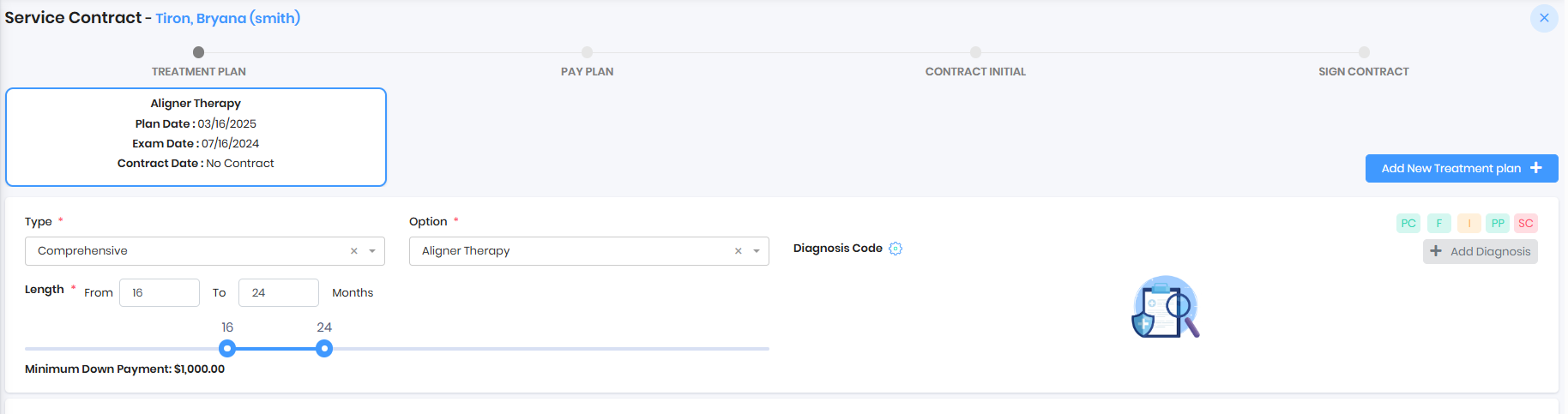
- Practice needs to reset the plan
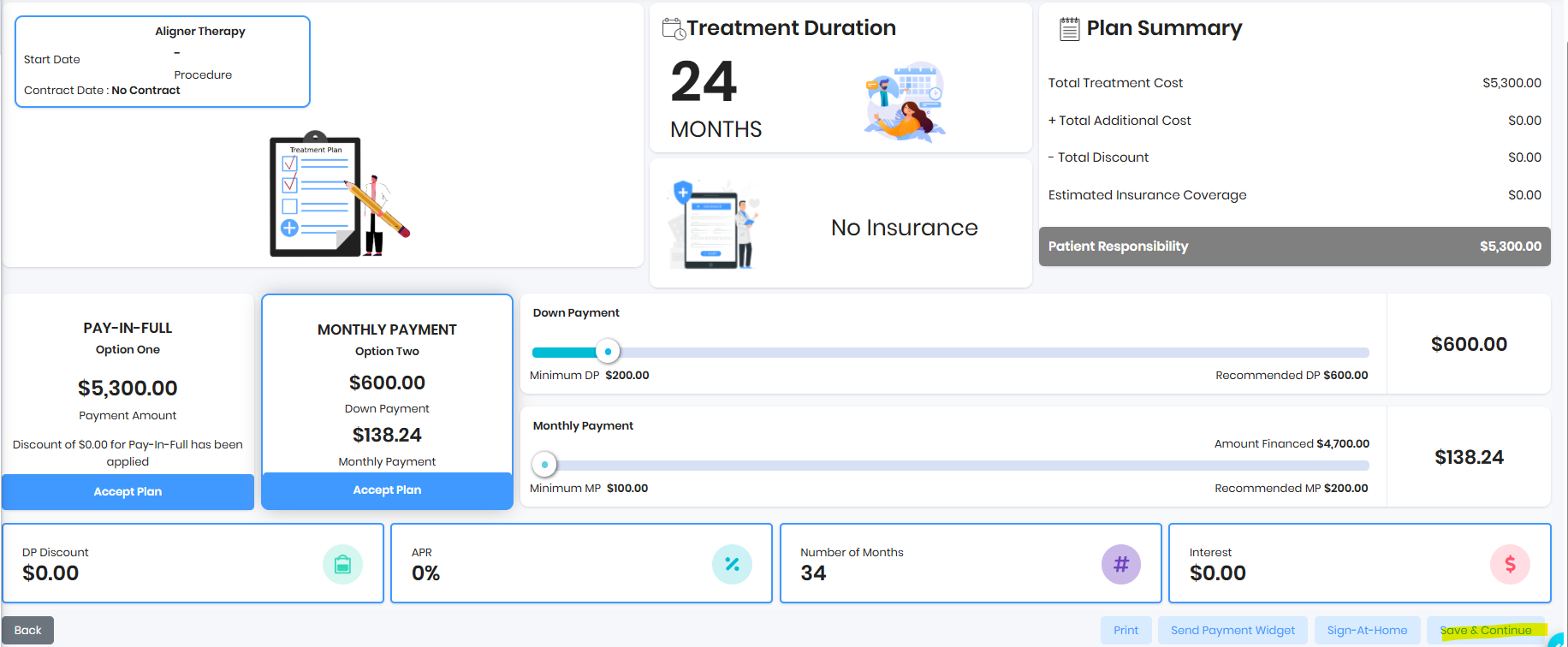
- Once payment plan is reset, delete icon will show. Practice can delete the Tx plan then delete the exam
Was this article helpful?
That’s Great!
Thank you for your feedback
Sorry! We couldn't be helpful
Thank you for your feedback
Feedback sent
We appreciate your effort and will try to fix the article