- Patients can be checked in using self check in feature
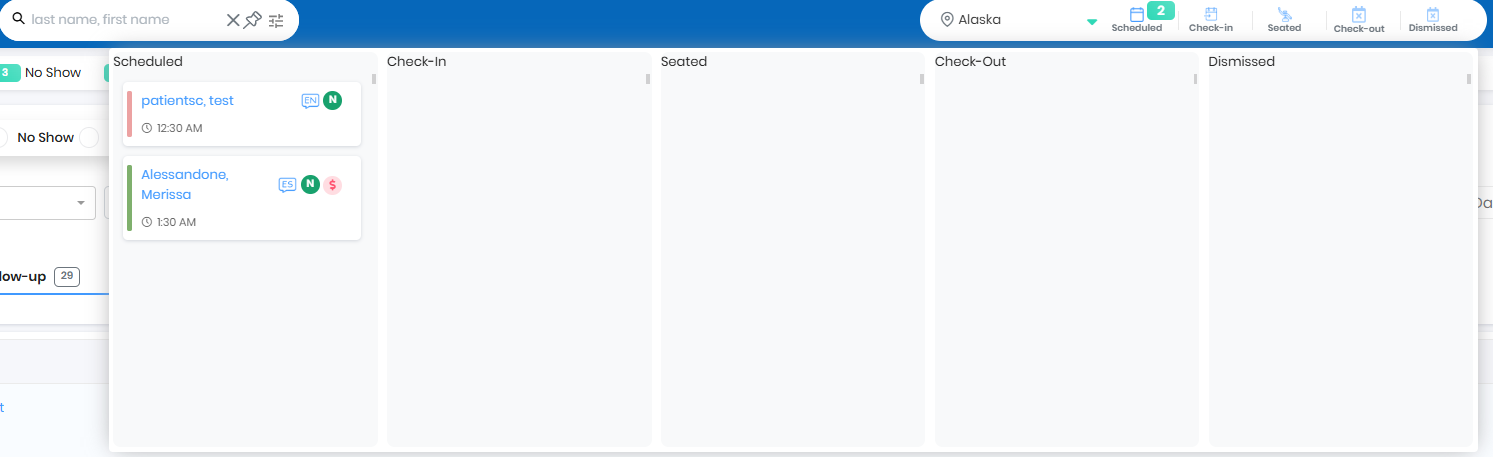
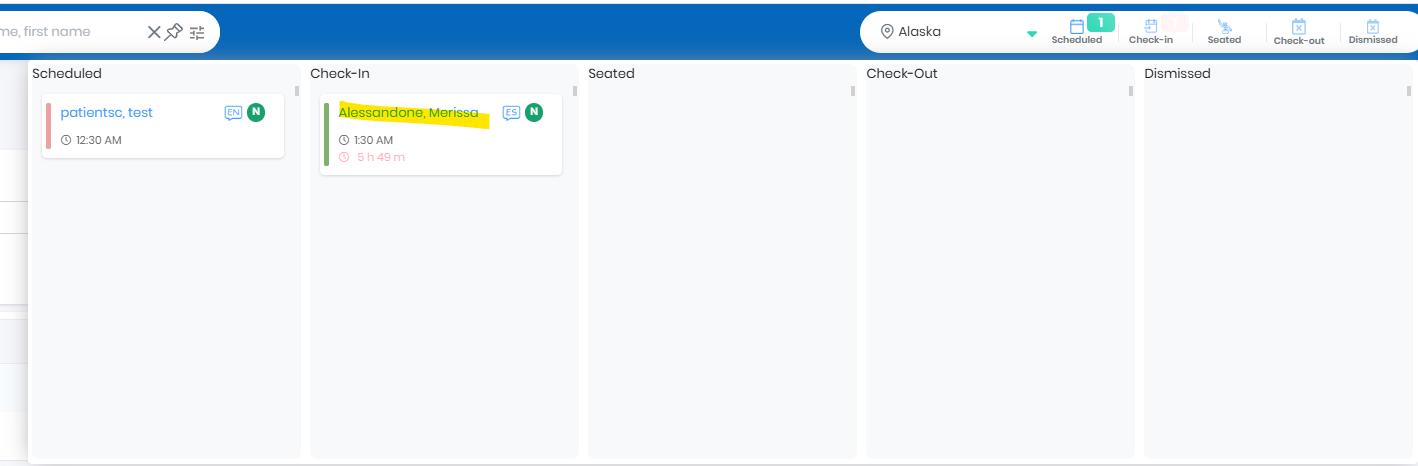
- Practice user can drag and drop the patient to Check-in
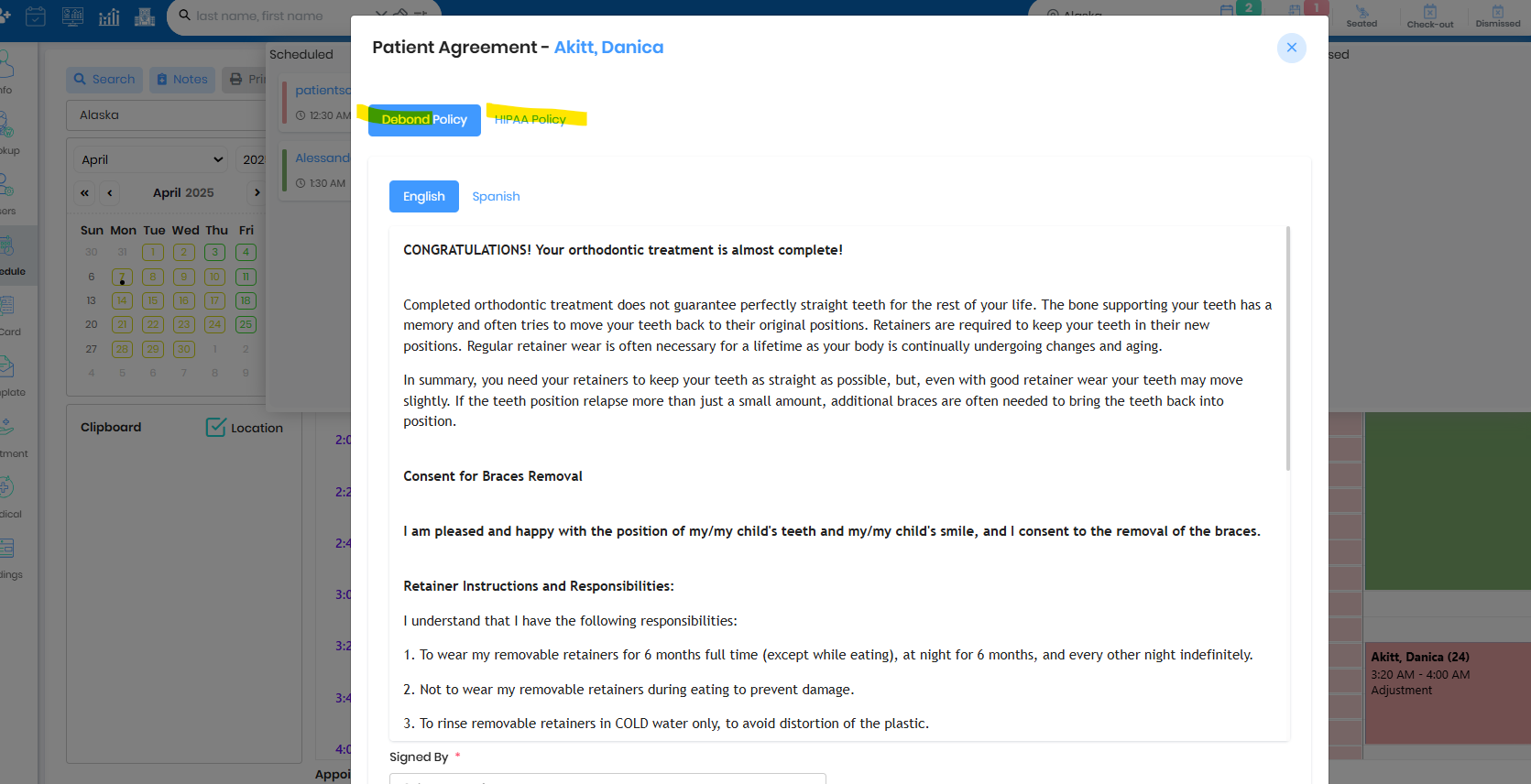
- Any documents needs to be signed can be associated with the appointment type and the document will pop up for patient signature
- Past due will be reflected on the patient card
- Check in sequence can be by appointment time or check-in time
Log in as SelfCheckin User
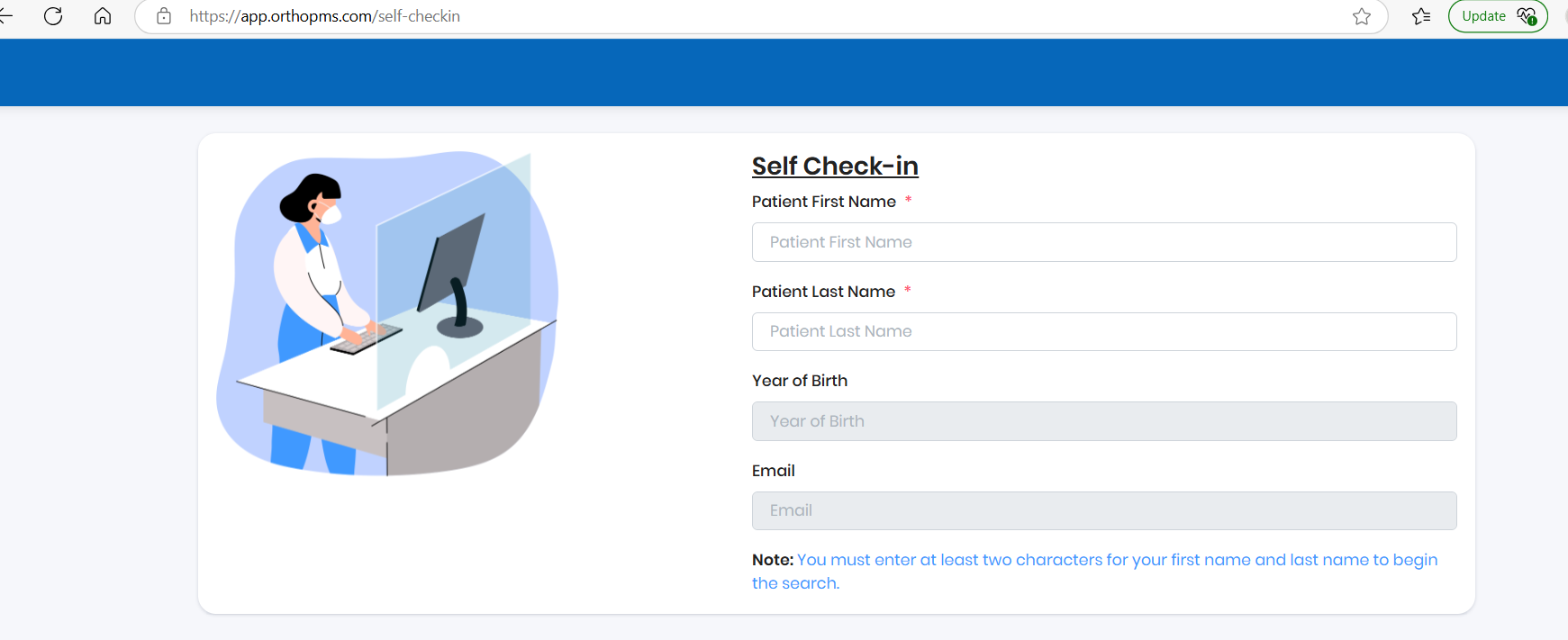
Easy Check In
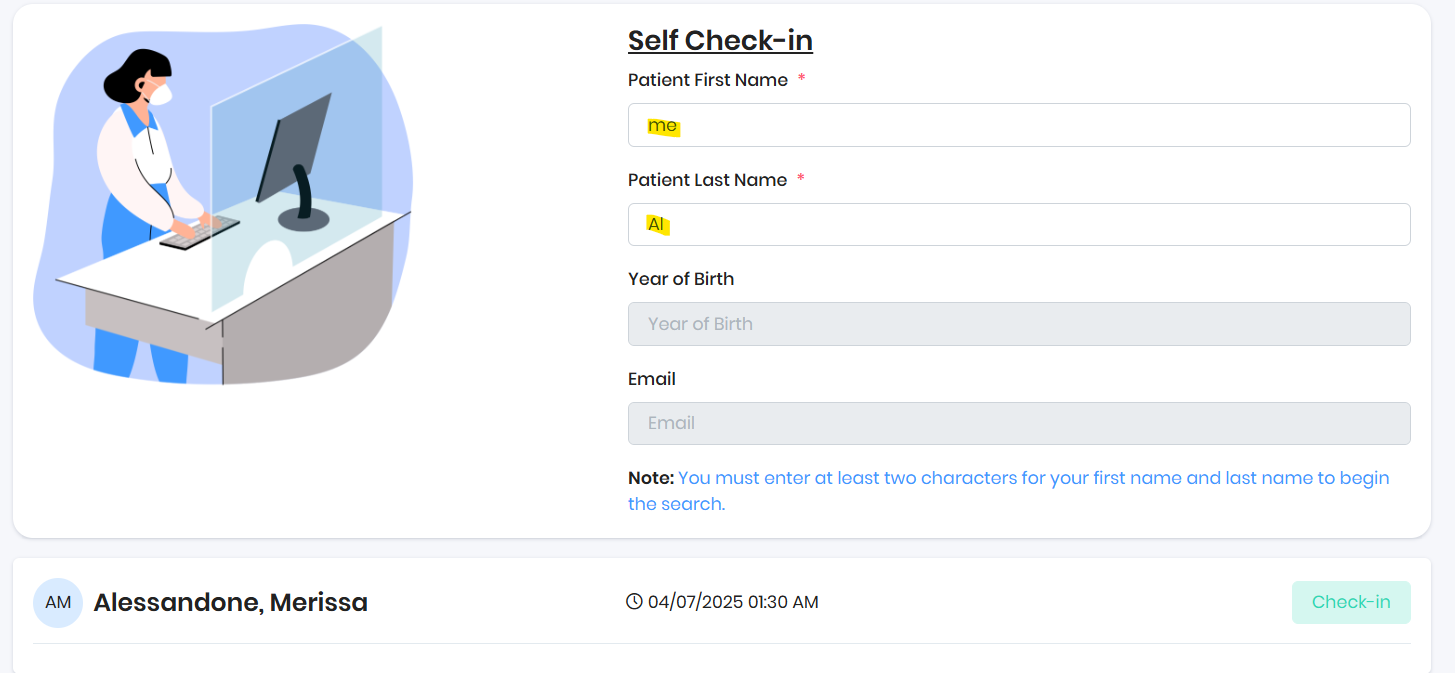
Before Checkin
After Checkin
Patient document sign during check-in
Seated
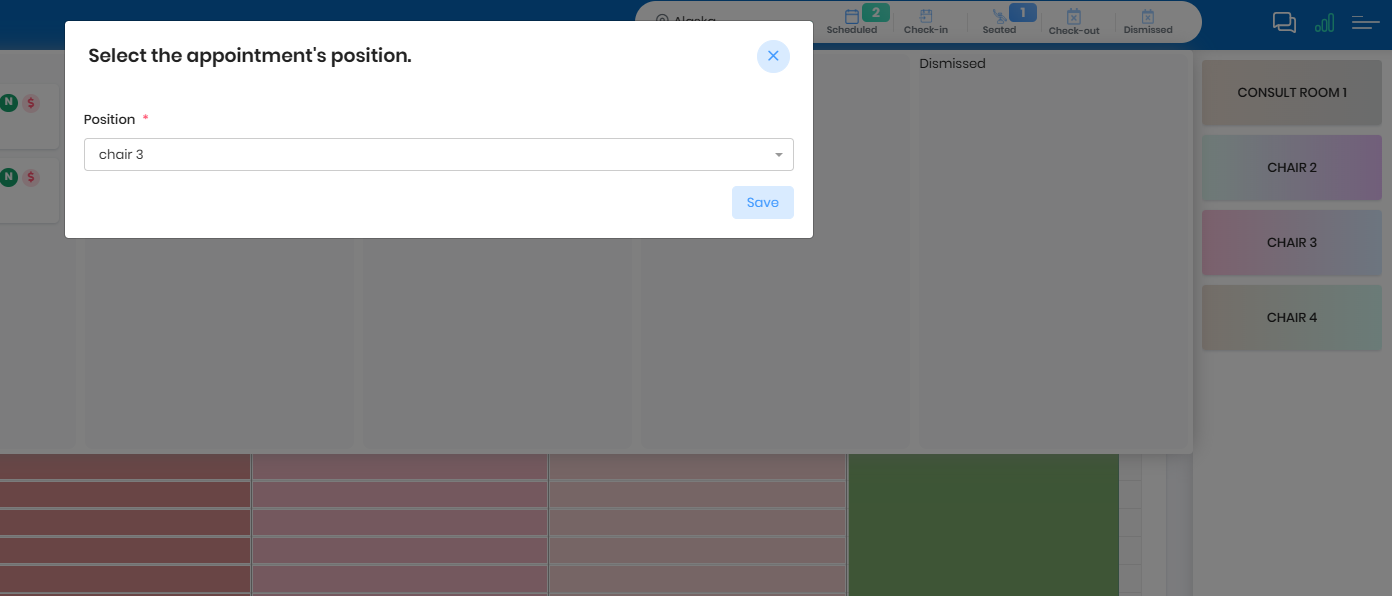
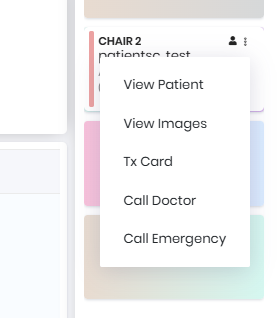
Use Chair Options for patient care
- Checkout if needed can be disabled or can be used as a placeholder for any work on the patient. (Tx card notes or past due check or new insurance changes)
Dismissed
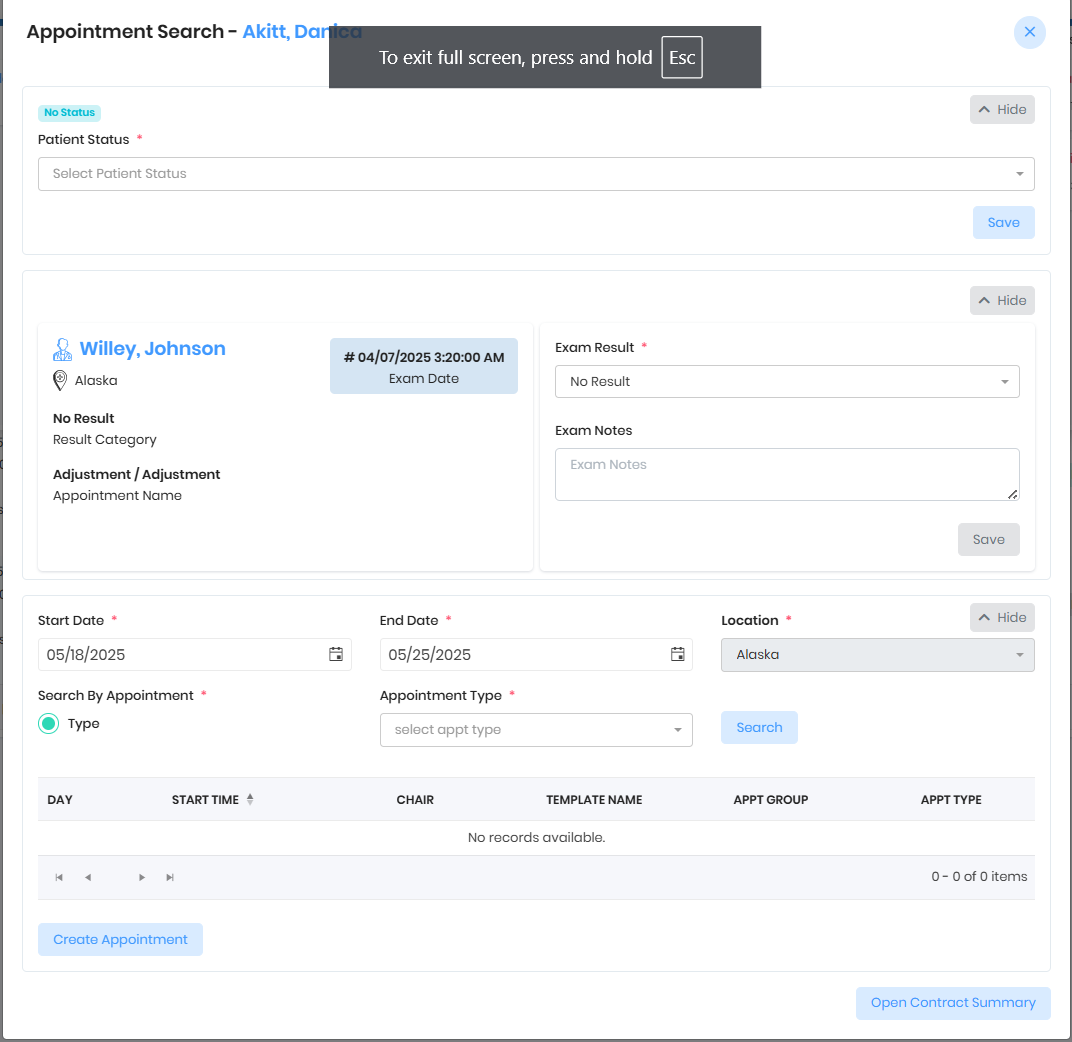
- Appointment search will pop up for future appointments
- If any other process has been associated with the appointment type, pop up will show when patient is dismissed (Patient status, Exam Result, Media Template and Miscellaneous product)
- Patient name will be initially red and will be green once future exam is scheduled
Was this article helpful?
That’s Great!
Thank you for your feedback
Sorry! We couldn't be helpful
Thank you for your feedback
Feedback sent
We appreciate your effort and will try to fix the article