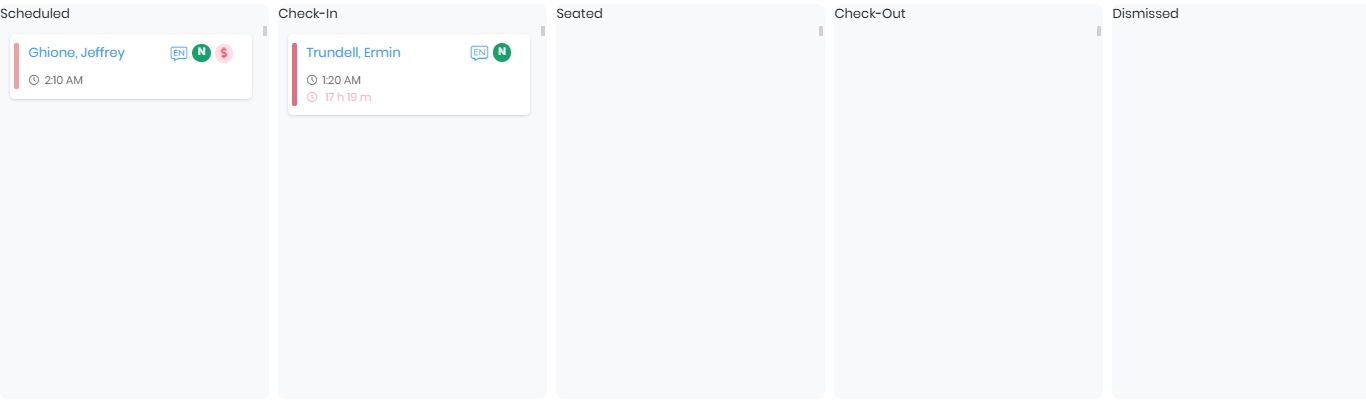
Stages for LiveOps
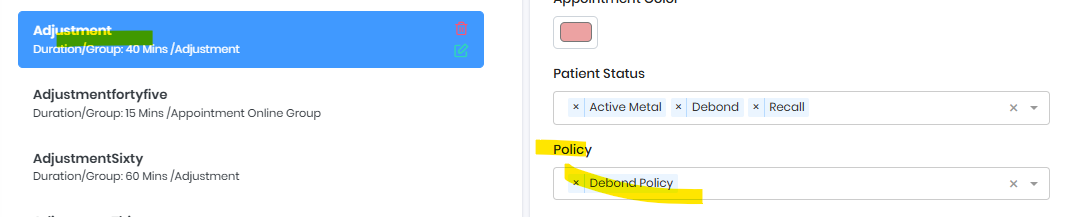
Configure Policy for appointment type
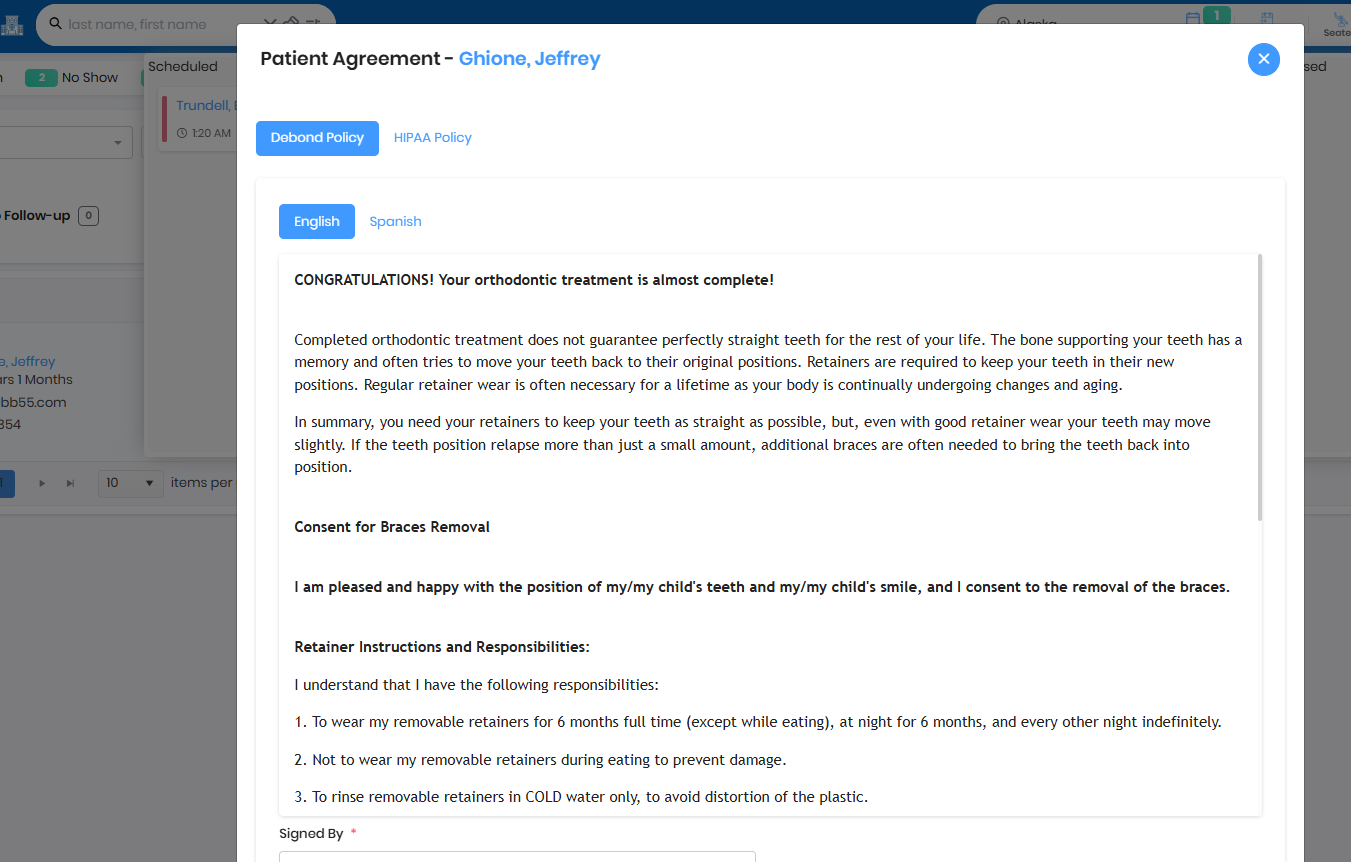
Policy show up for signature
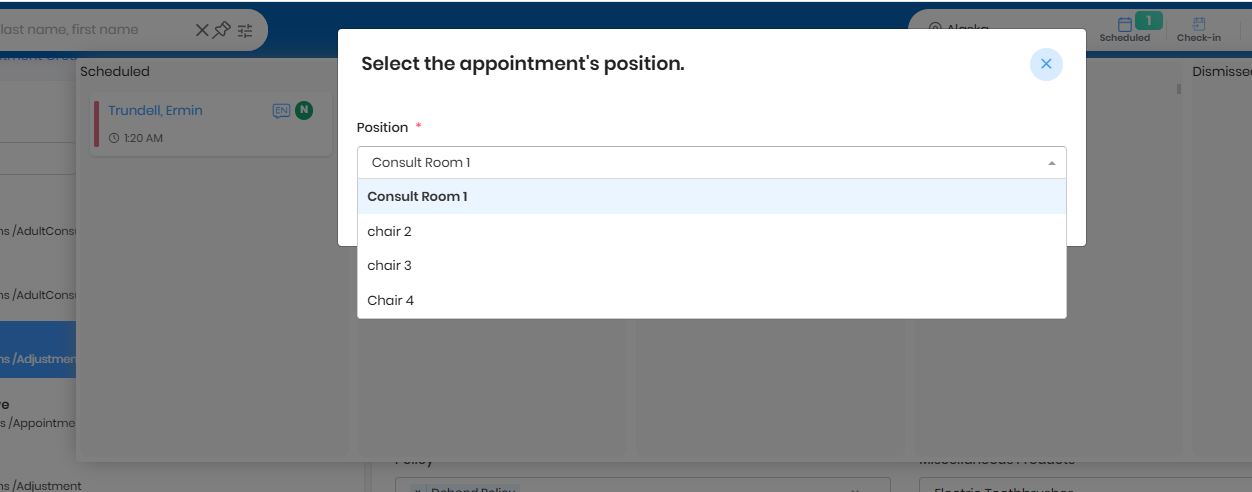
Seated - chose chair position
Tx card opens in new tab
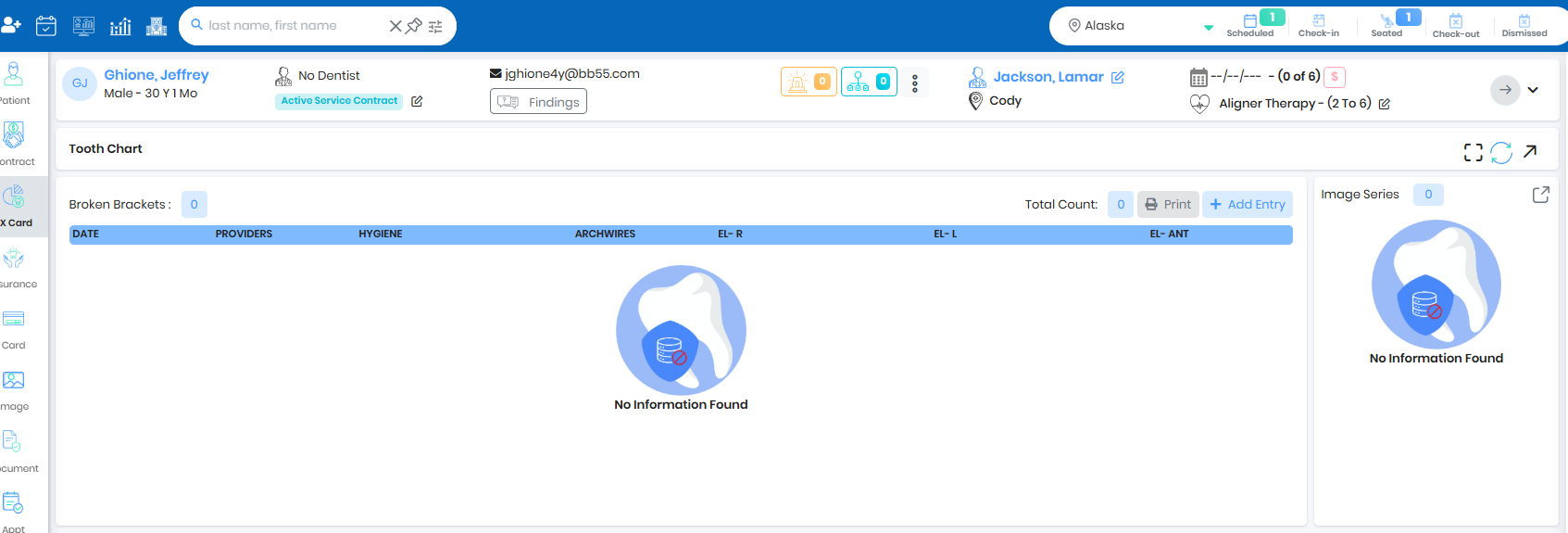
Checkout is placeholder for office to triage the patient before dismiss, Red color patient name signifies no future scheduled appointment
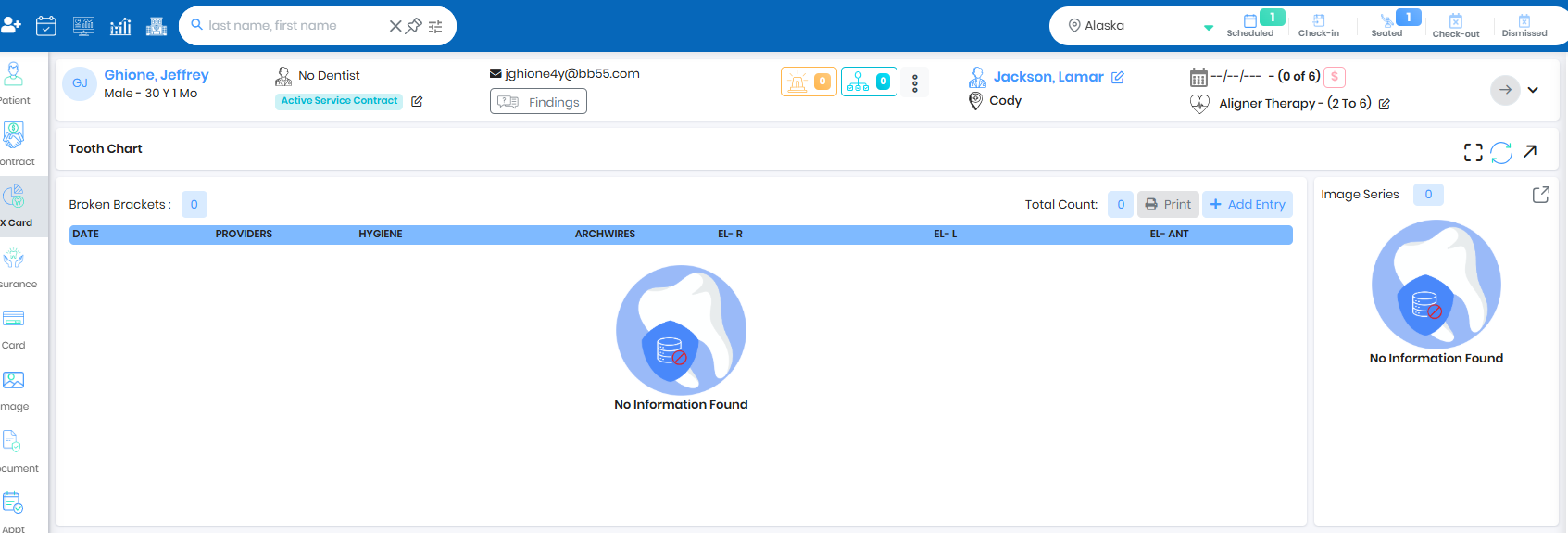
Dismiss
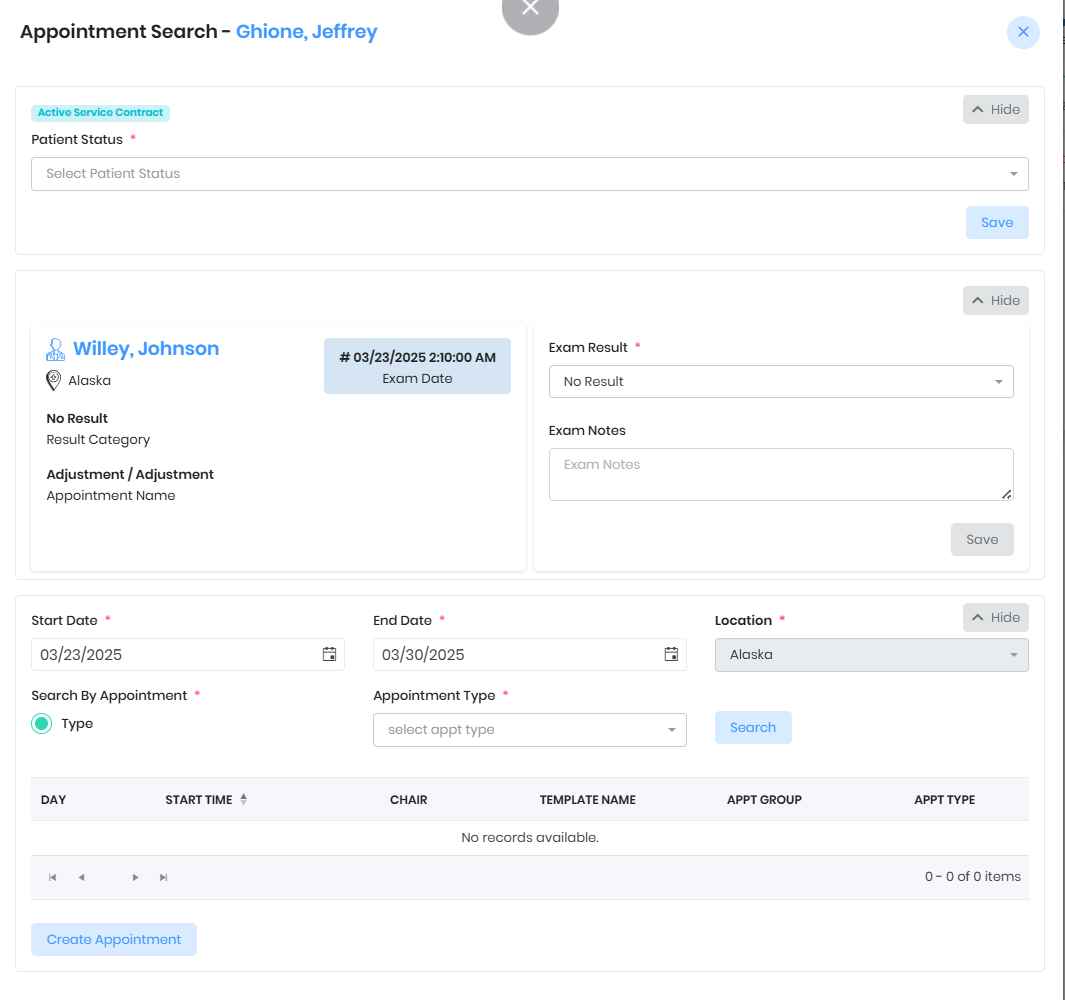
Configure appointment with patient status, exam result and Misc products 
Popup with configured values shows up during Dismiss stage
Was this article helpful?
That’s Great!
Thank you for your feedback
Sorry! We couldn't be helpful
Thank you for your feedback
Feedback sent
We appreciate your effort and will try to fix the article