Both patient and practice can set up the autopay for the active contract with pay off
Practice Login
Go to patient portal
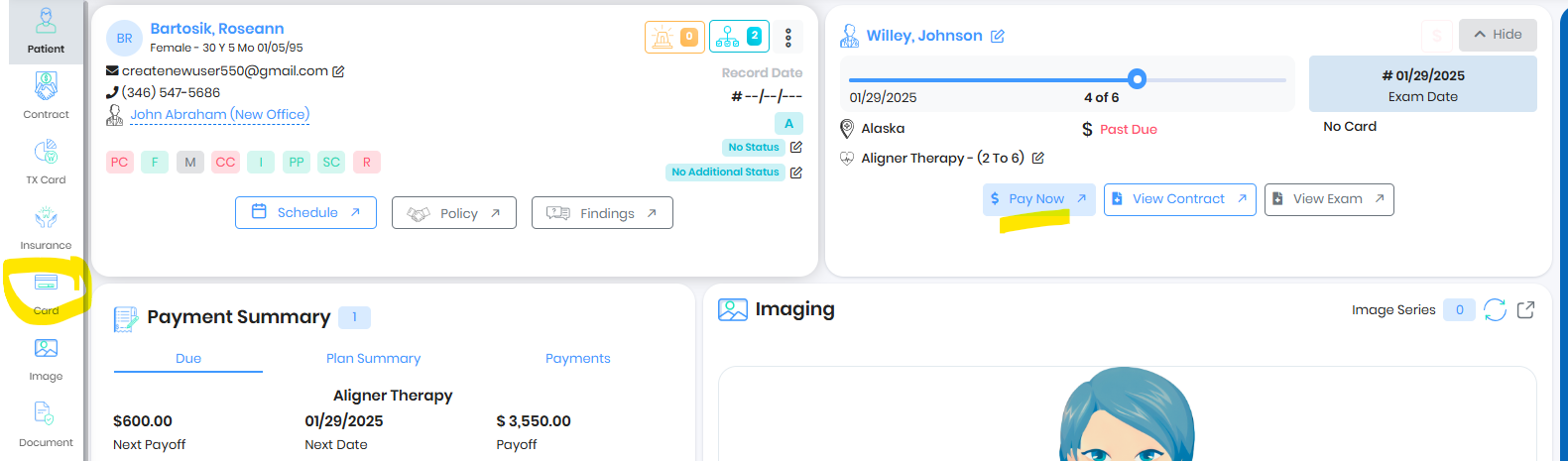
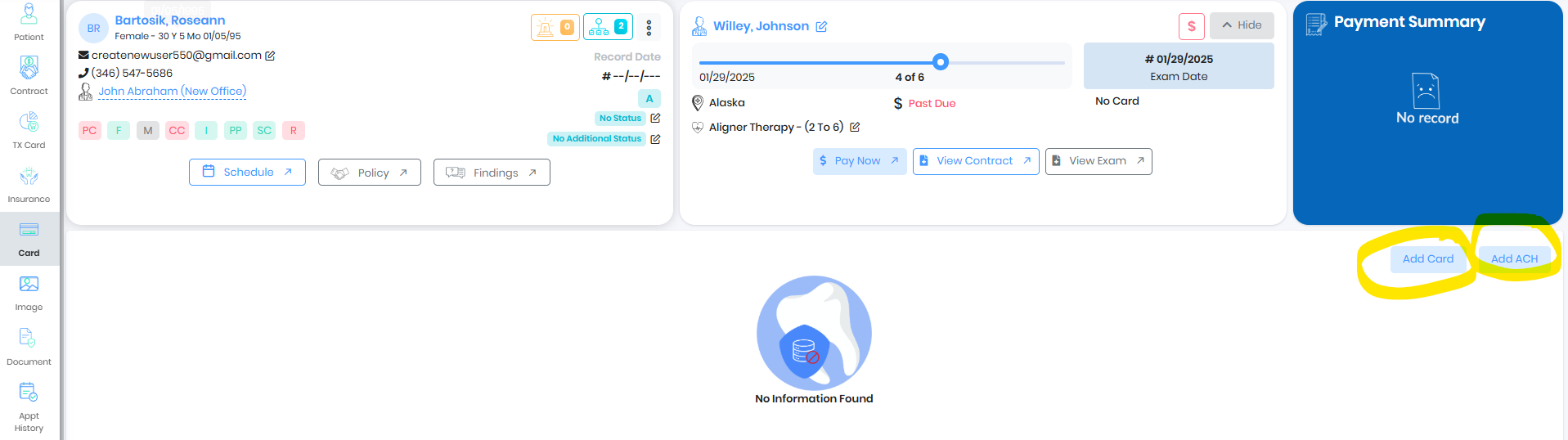
Go to card and add card or ACH
Associate the credit card to the Service Contract
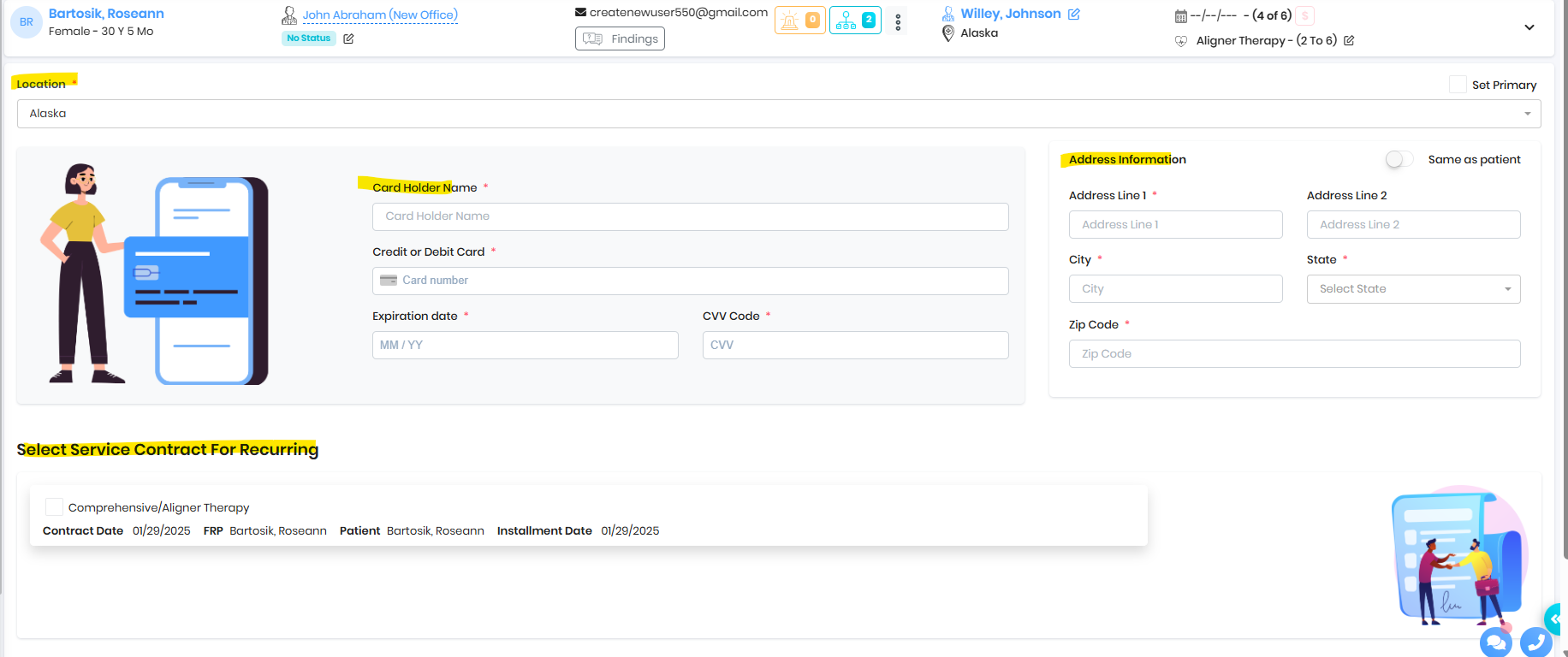
Save Card for Auto Pay
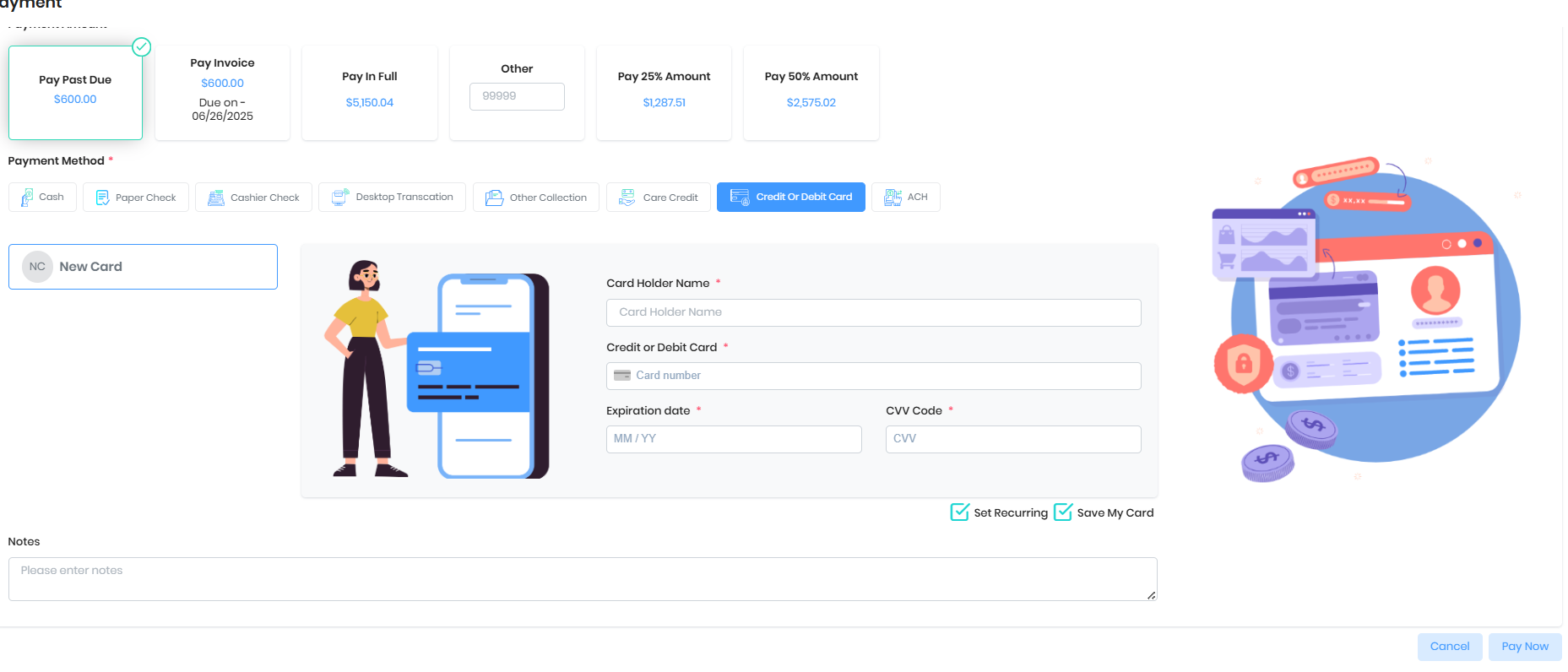
Go to Patient portal and Pay now
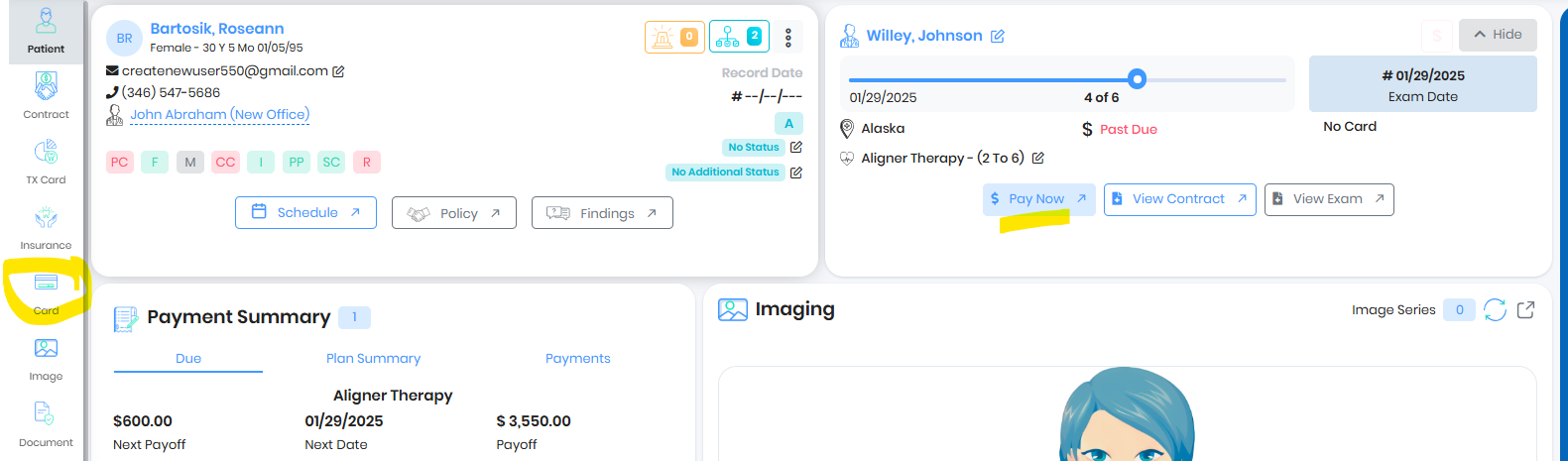
Chose Credit or Debit card and enter the card details. There is a checkbox Save my card to save the card for future transactions
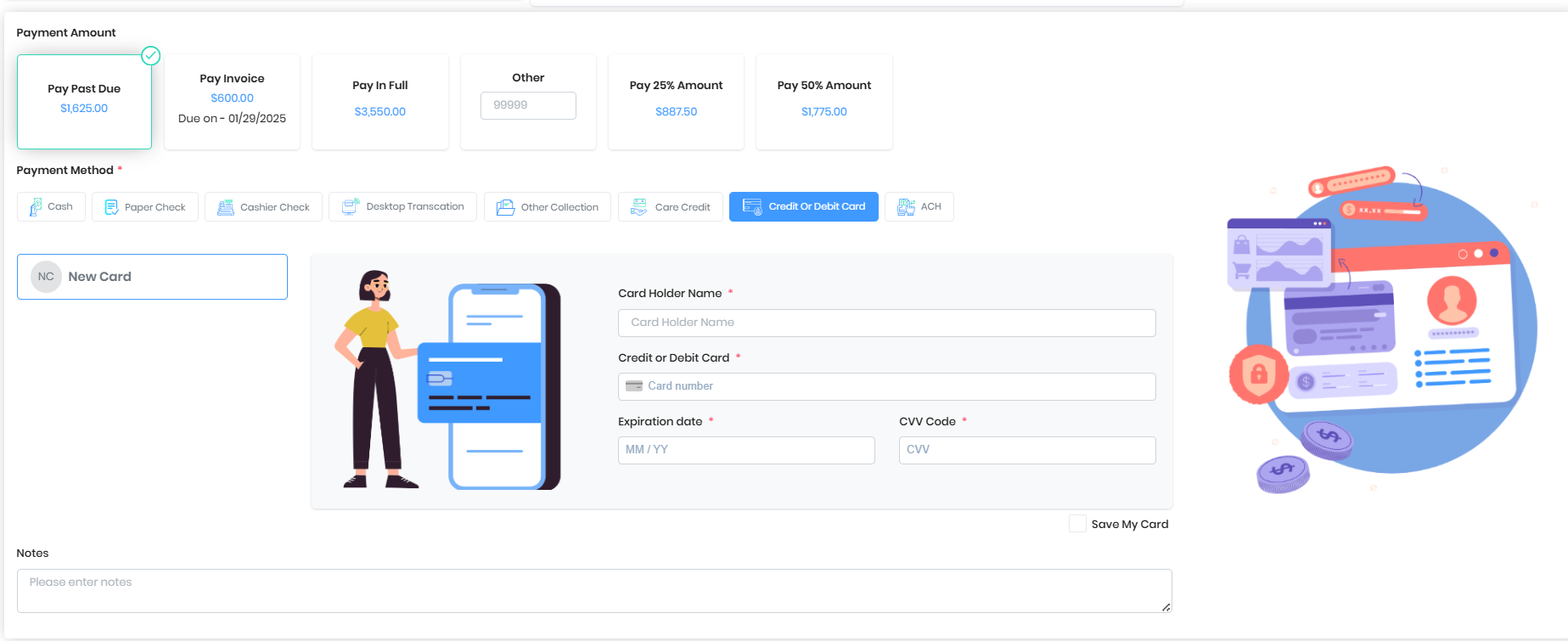
Once card is saved, Add the card to Autopay for the contract
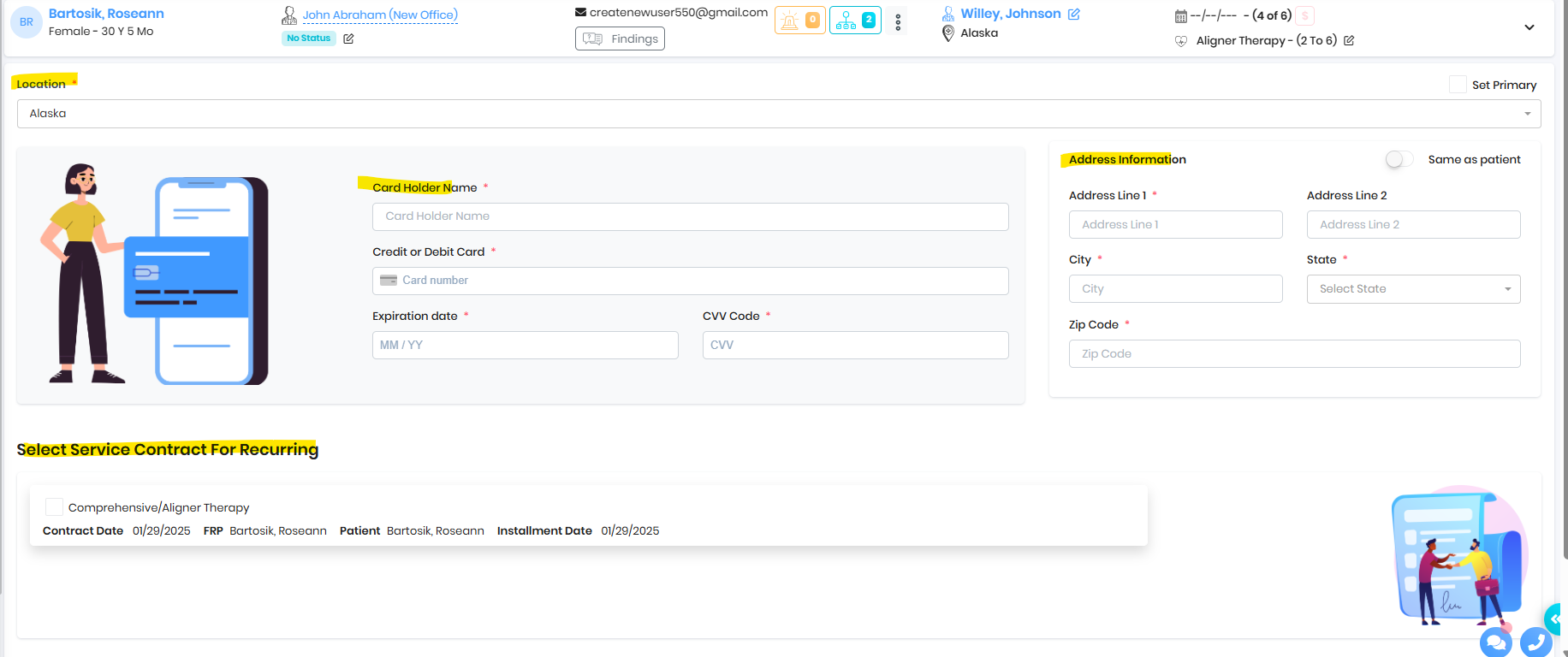
Save card during DP
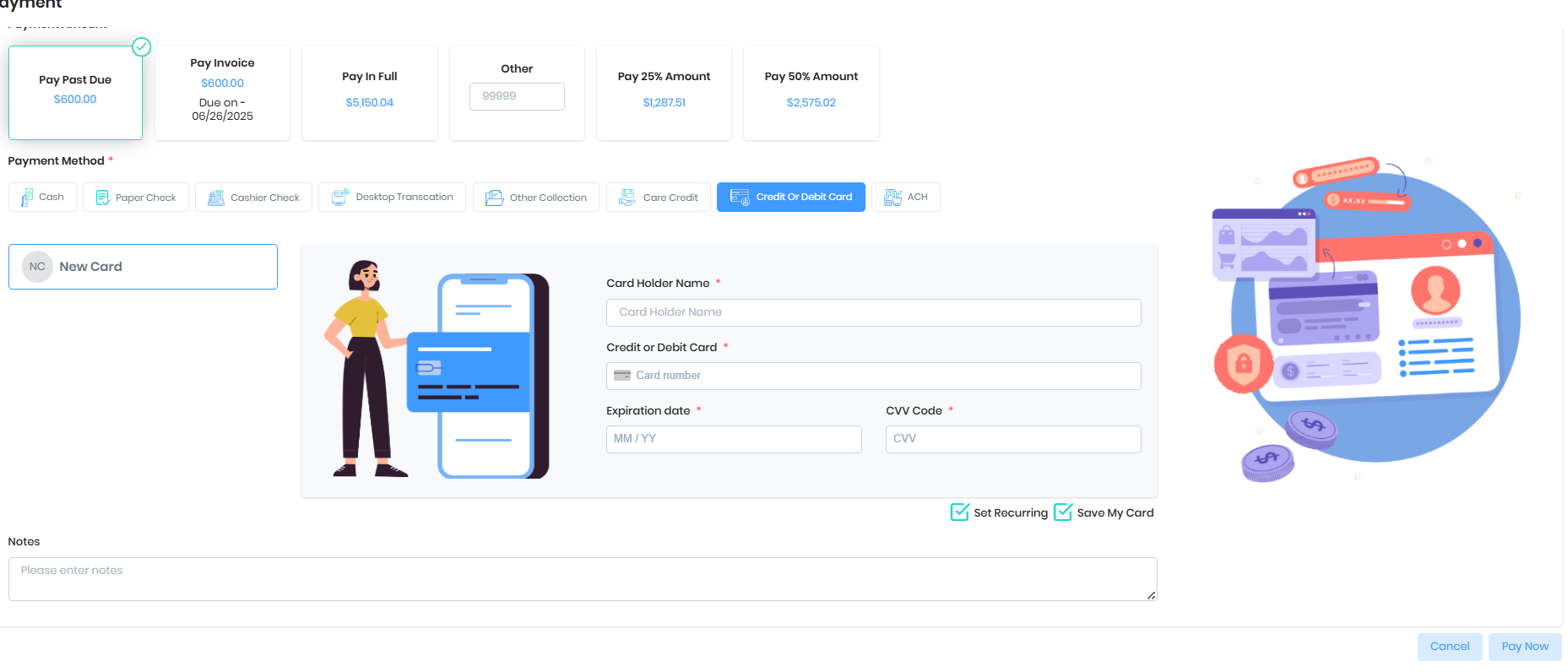
Save card during Monthly Payment
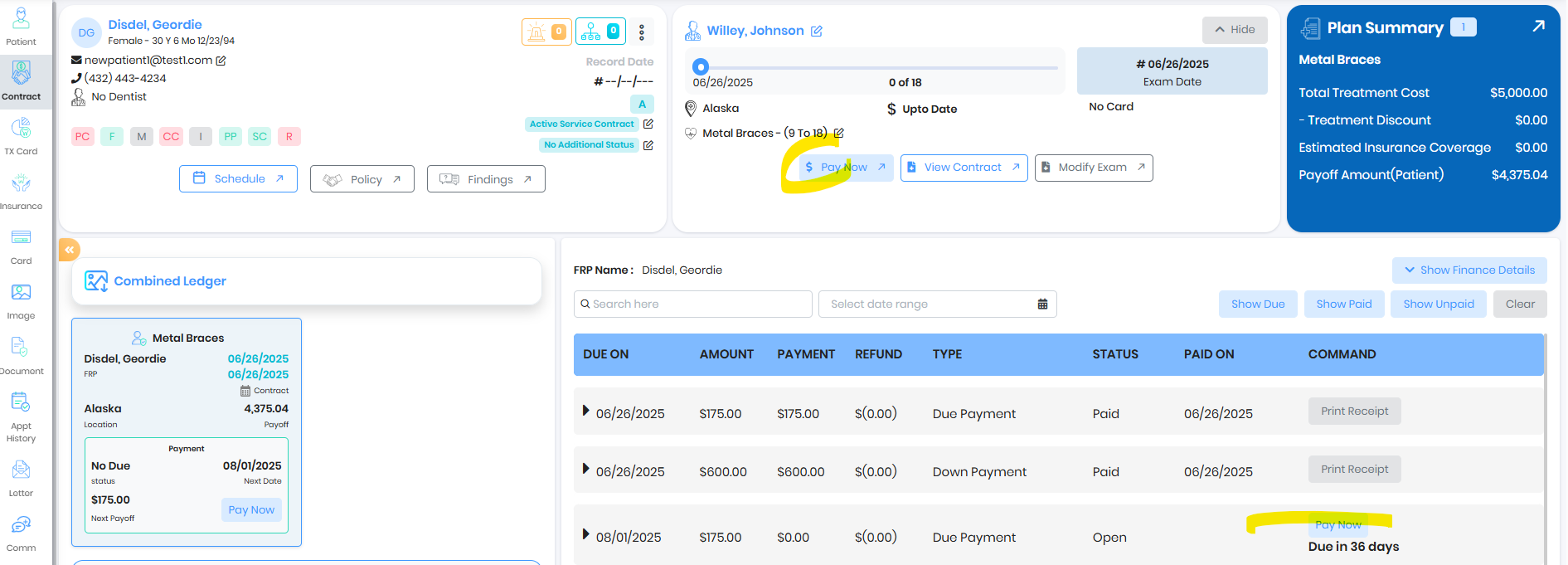
Was this article helpful?
That’s Great!
Thank you for your feedback
Sorry! We couldn't be helpful
Thank you for your feedback
Feedback sent
We appreciate your effort and will try to fix the article