- Patient is added to PMS
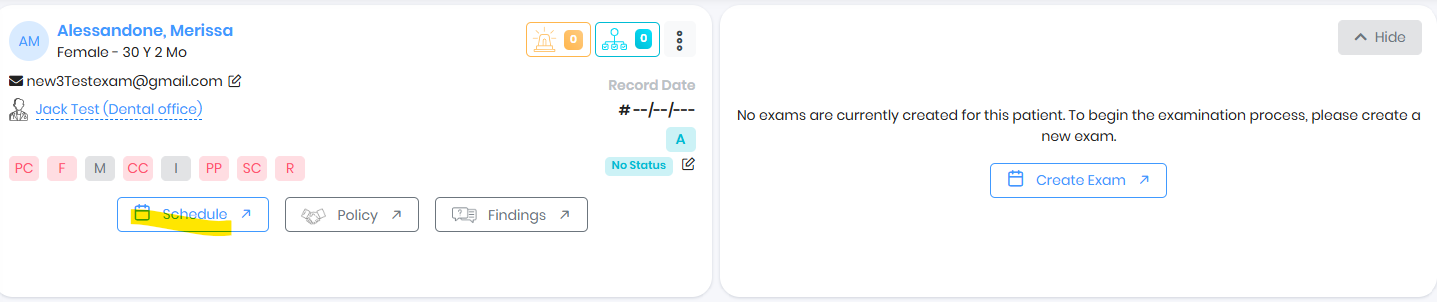
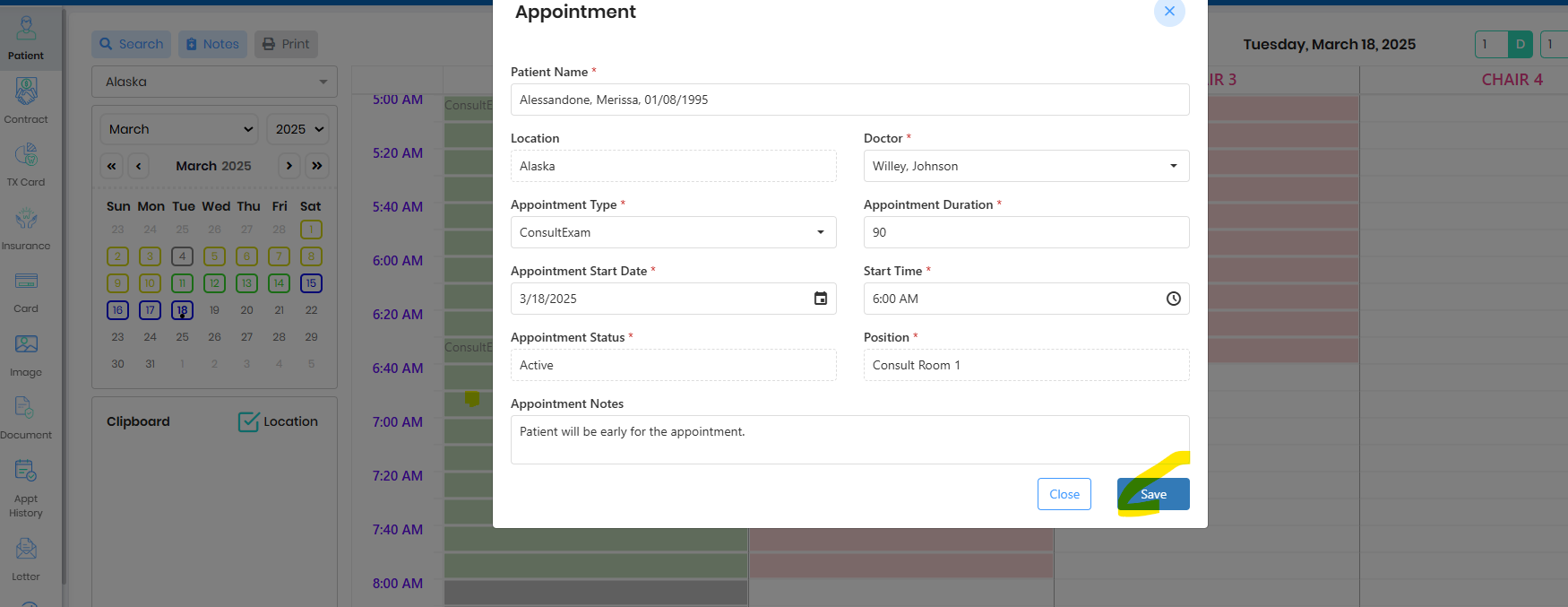
- Schedule Patient Exam, double click on the schedule slot and save the schedule
- Go to Patient Summary by clicking on the 3 dots in the scheduled patient appointment
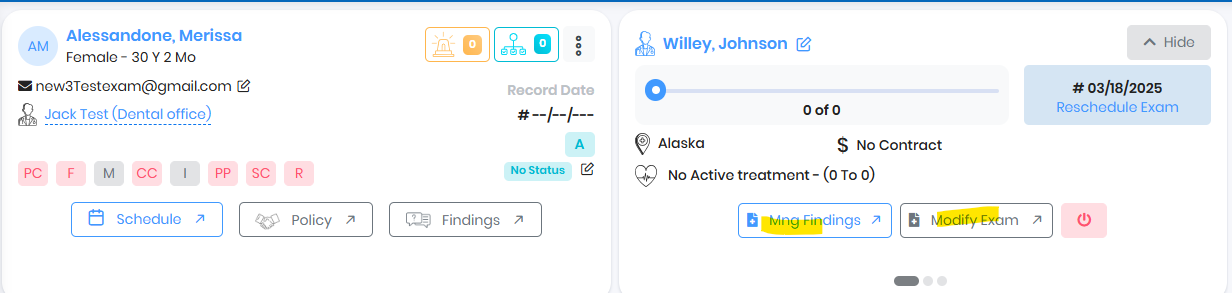
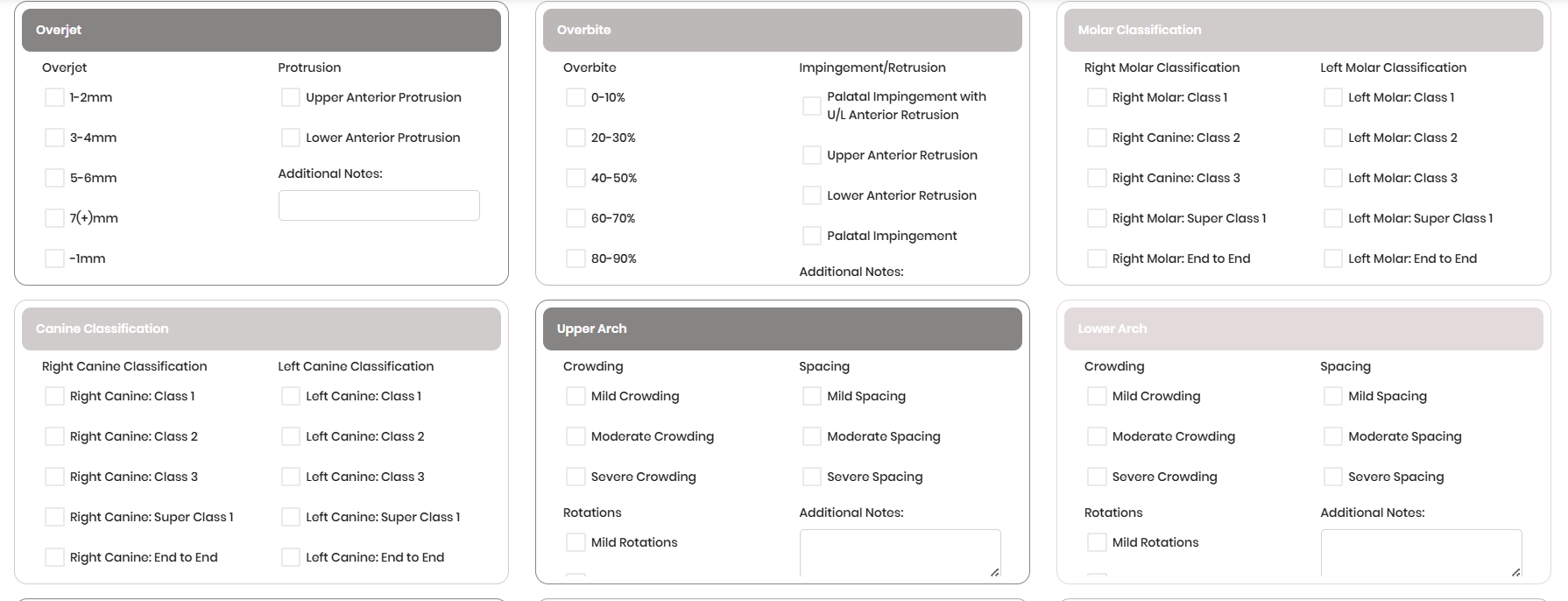
- Go to Manage Findings, complete the findings and exam result.
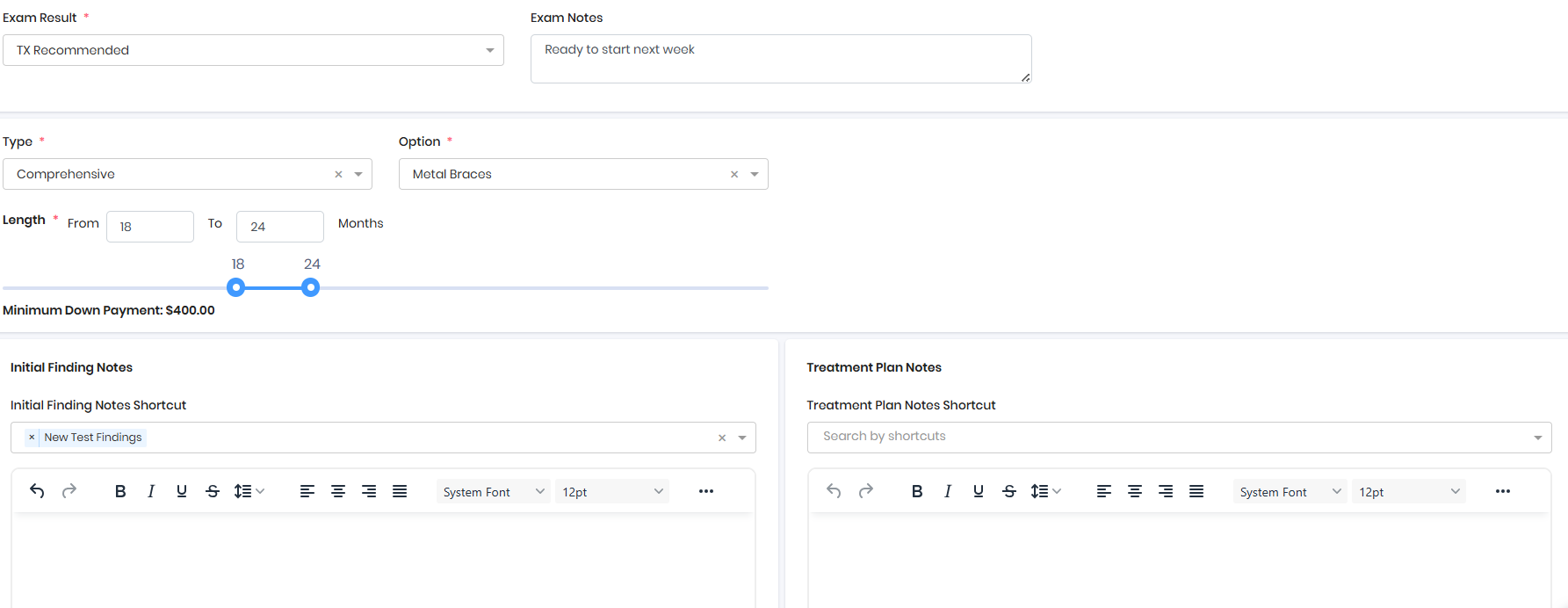
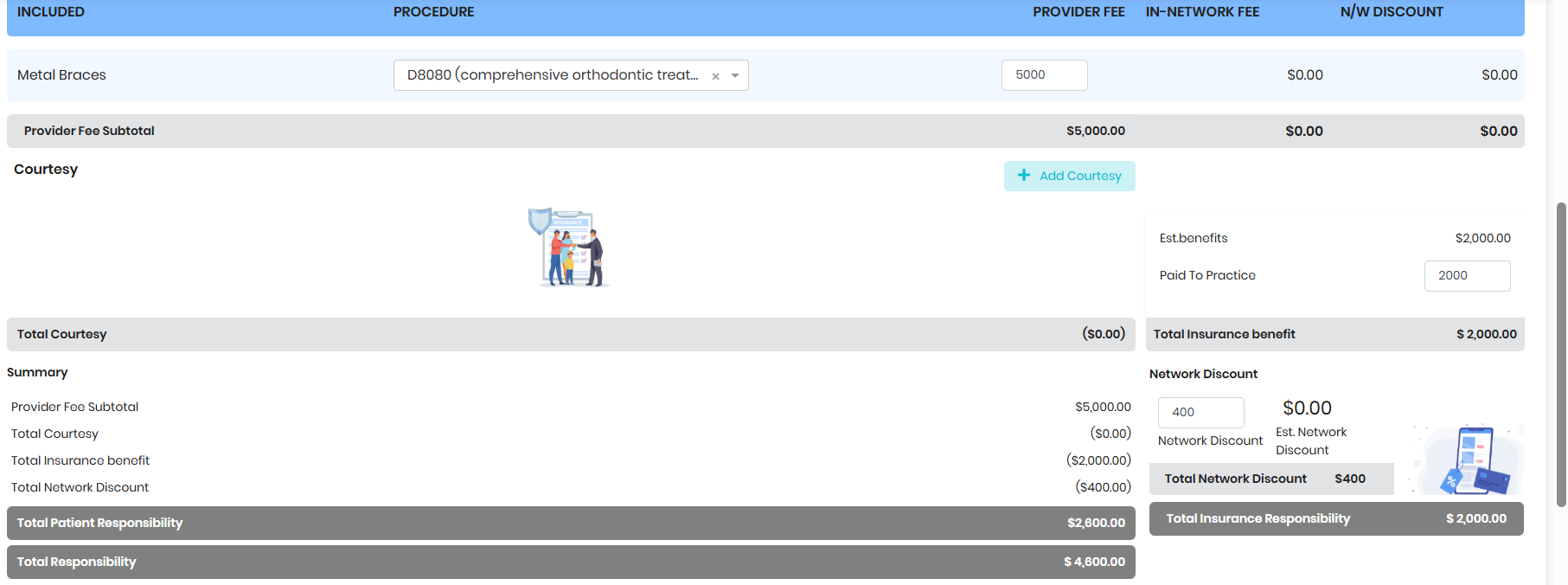
- Design the Treatment Plan
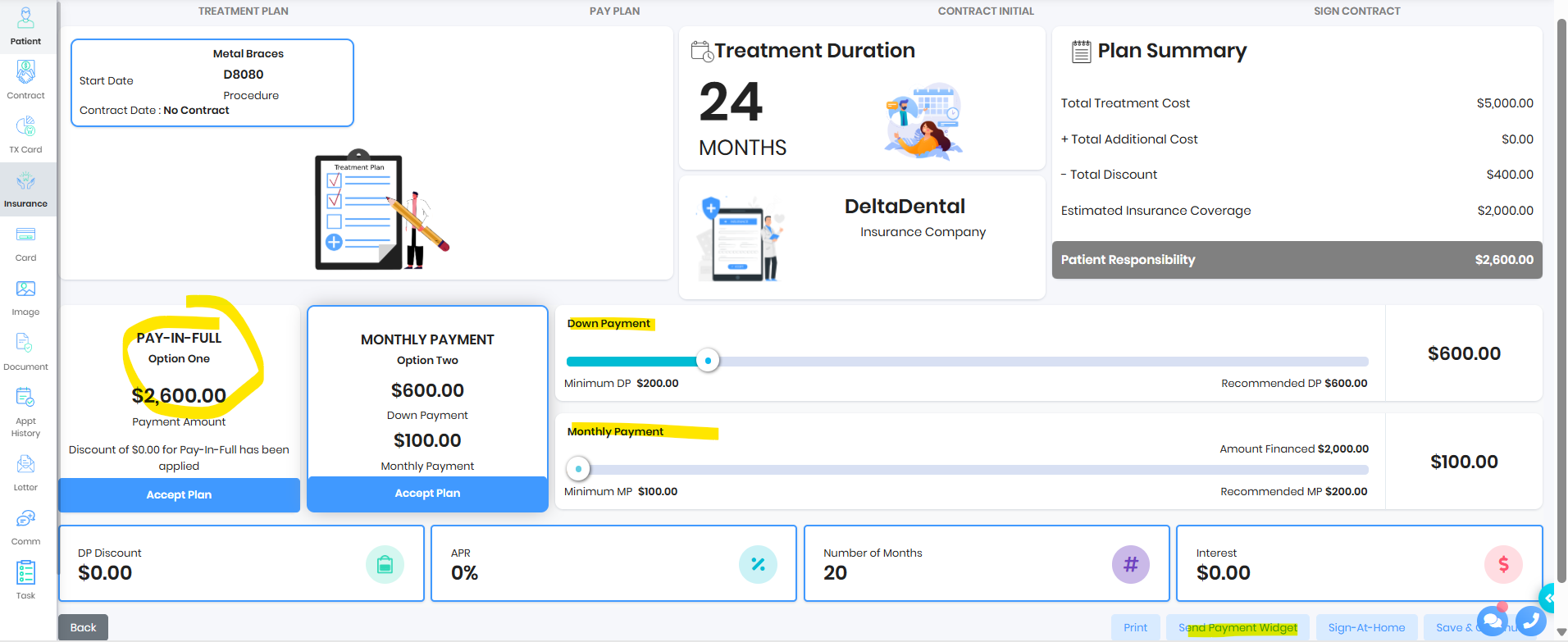
- Customize the payment plan as needed and Send Payment Plan to FRP
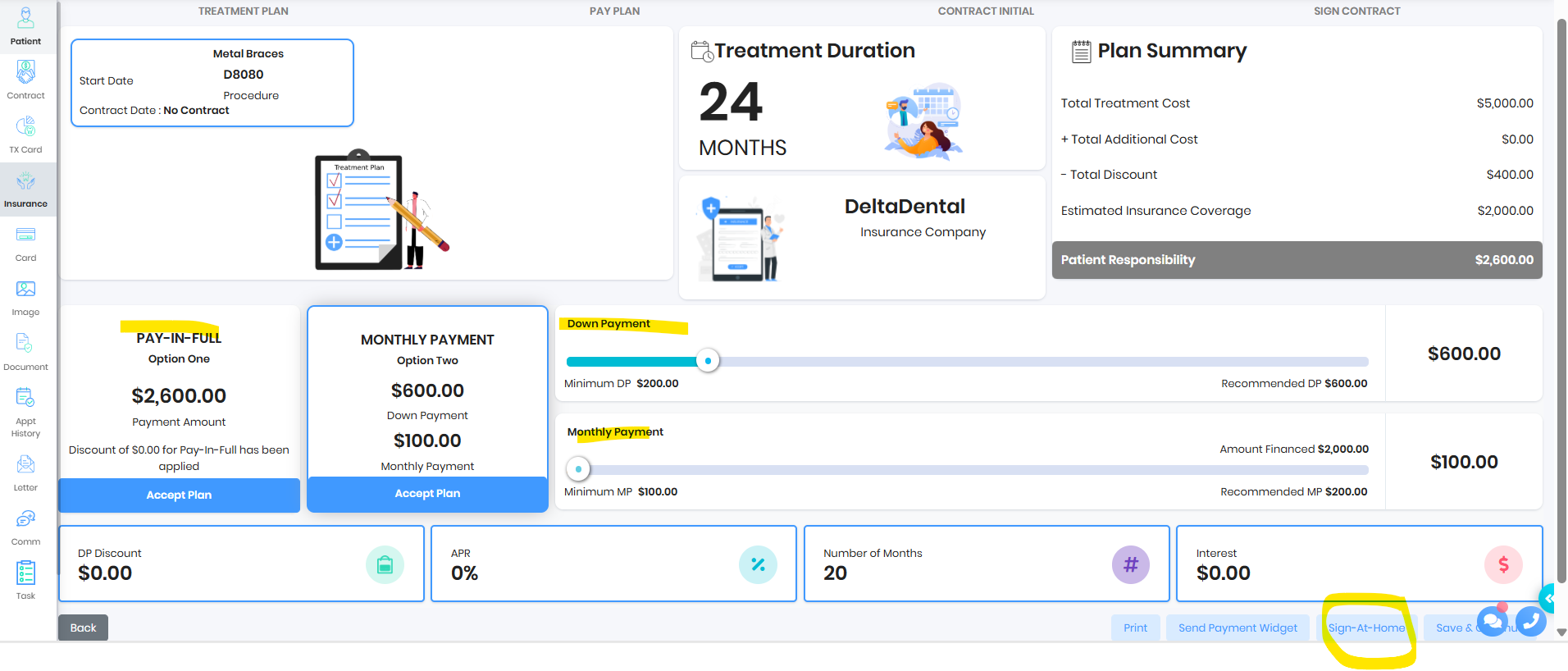
- Customize the payment plan as needed and Send Sign@Home to FRP
- Customize the payment plan as needed and continue to sign contract in the office
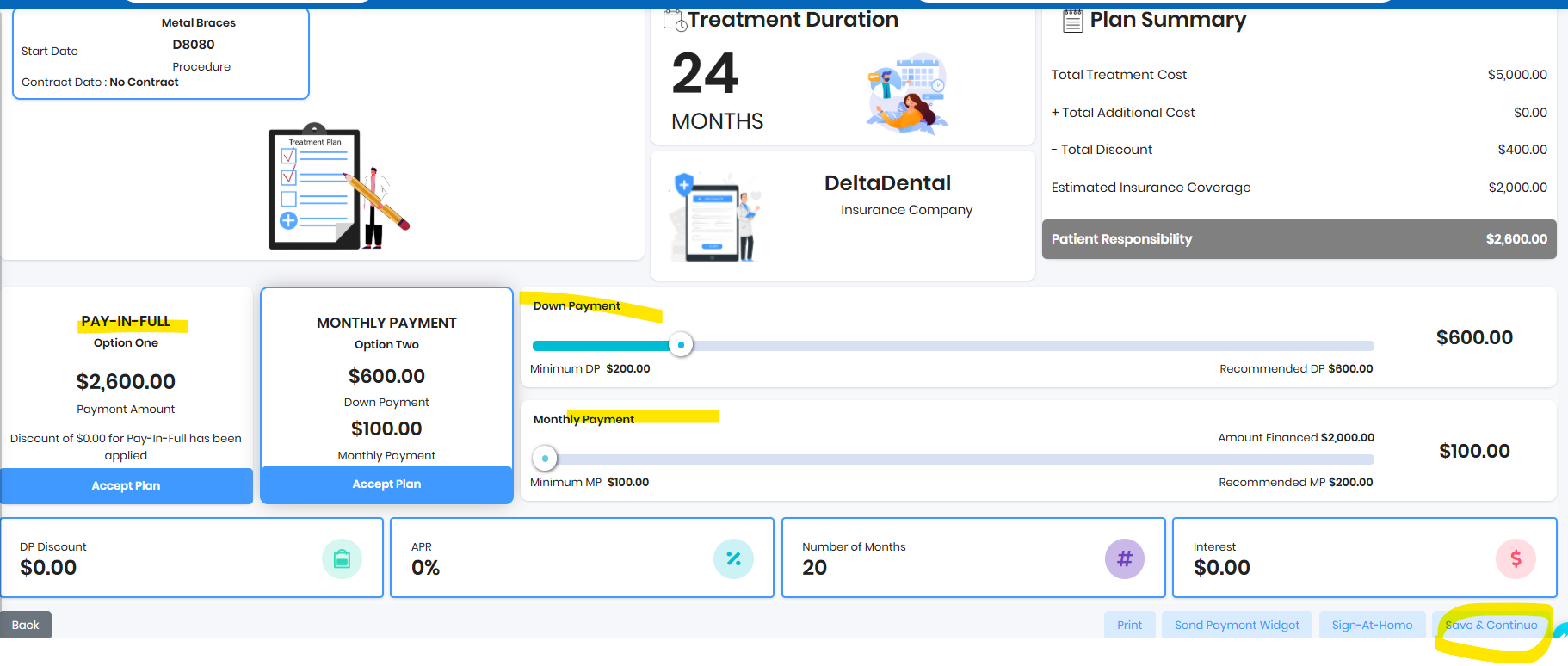
- Review contract with patient and sign
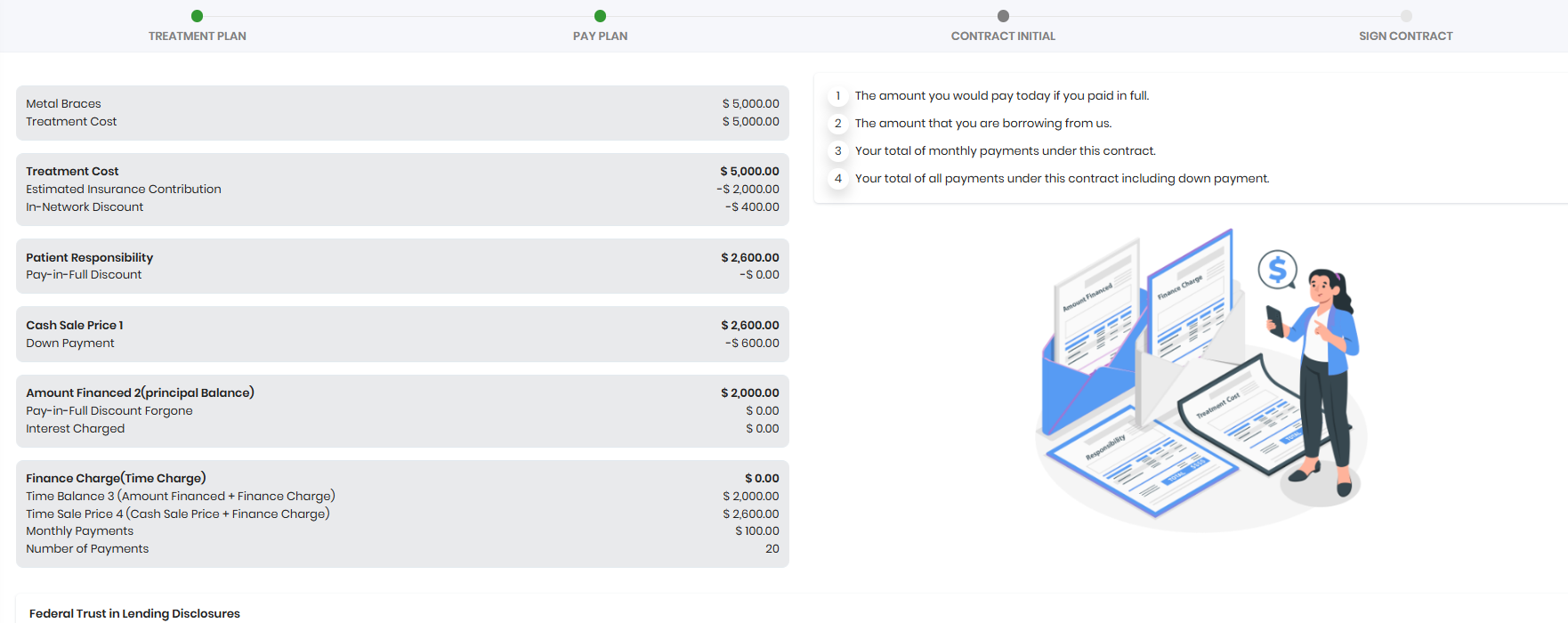
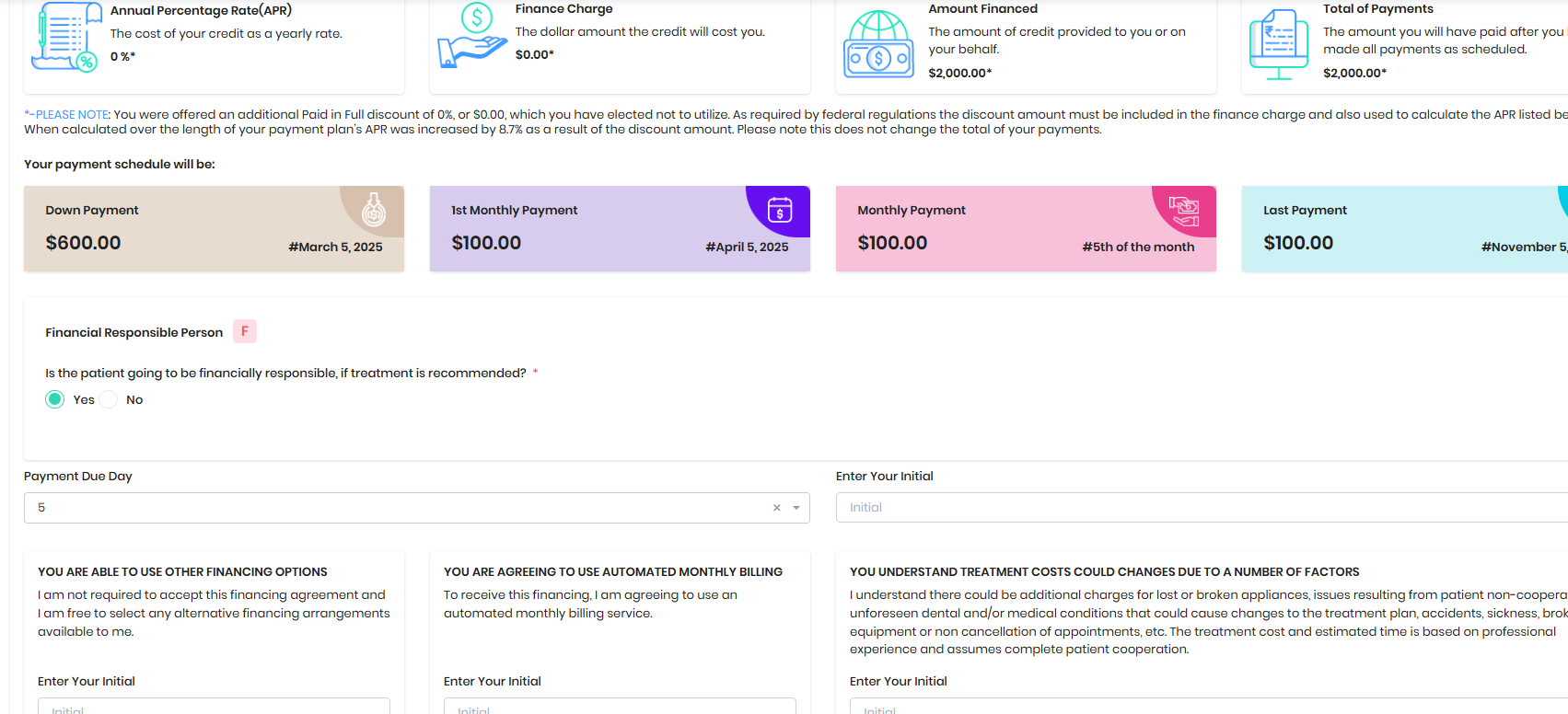
- Enter your initial and check the FRP (if needed add new FRP)
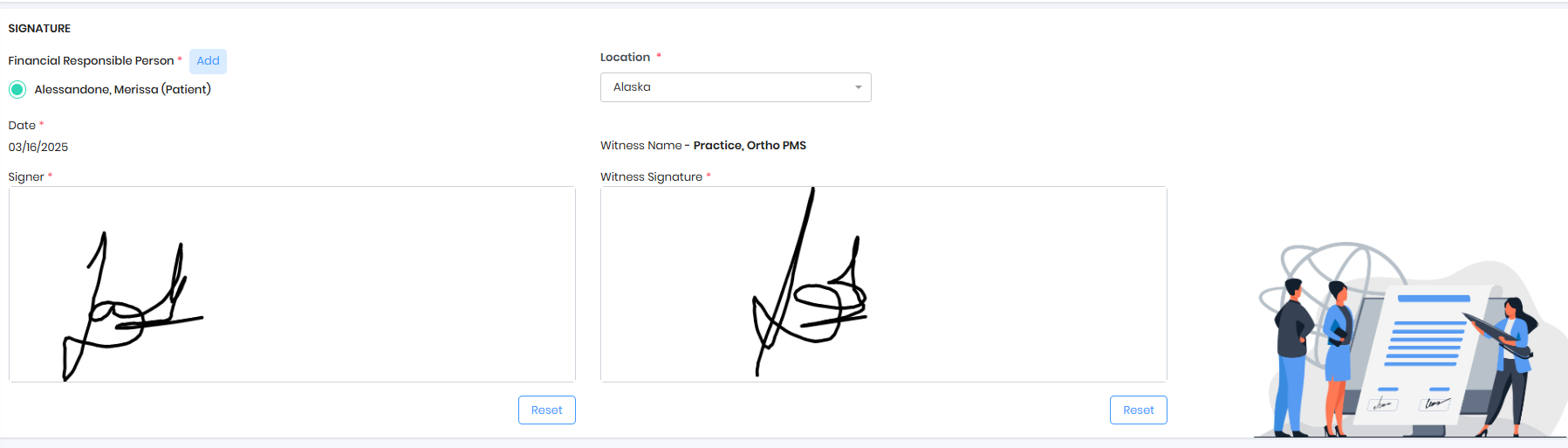
- Sign Contract
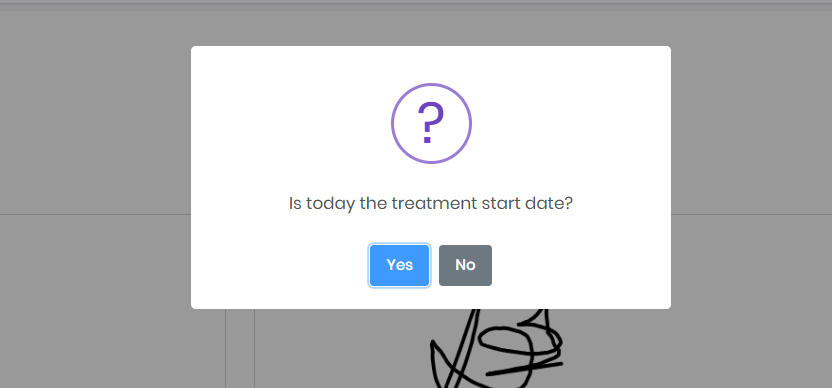
- Confirm patient treatment start date
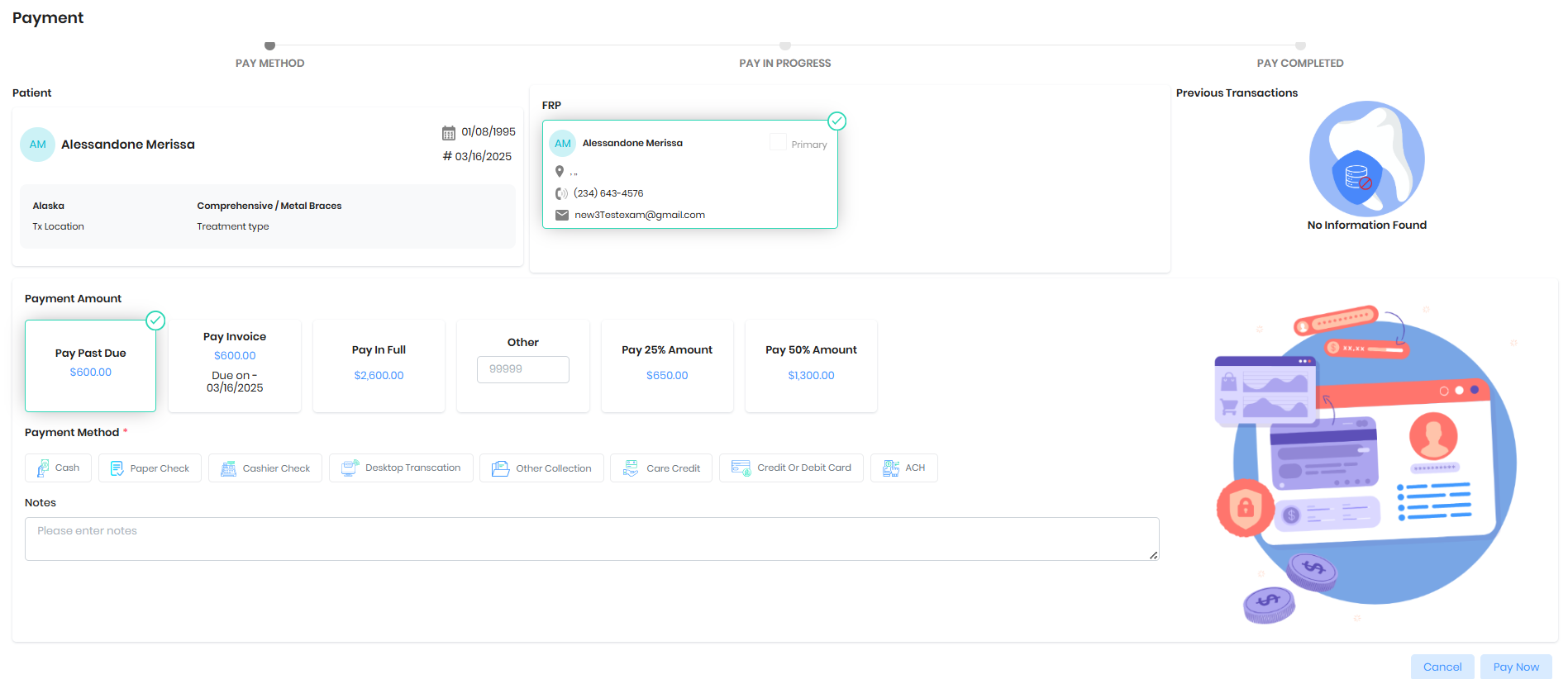
- Collect the Down Payment
Was this article helpful?
That’s Great!
Thank you for your feedback
Sorry! We couldn't be helpful
Thank you for your feedback
Feedback sent
We appreciate your effort and will try to fix the article