- Patient is added to PMS
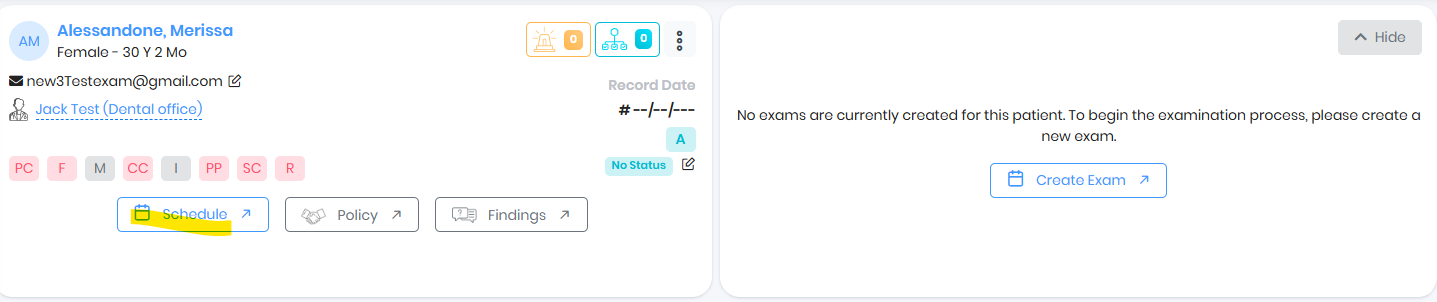
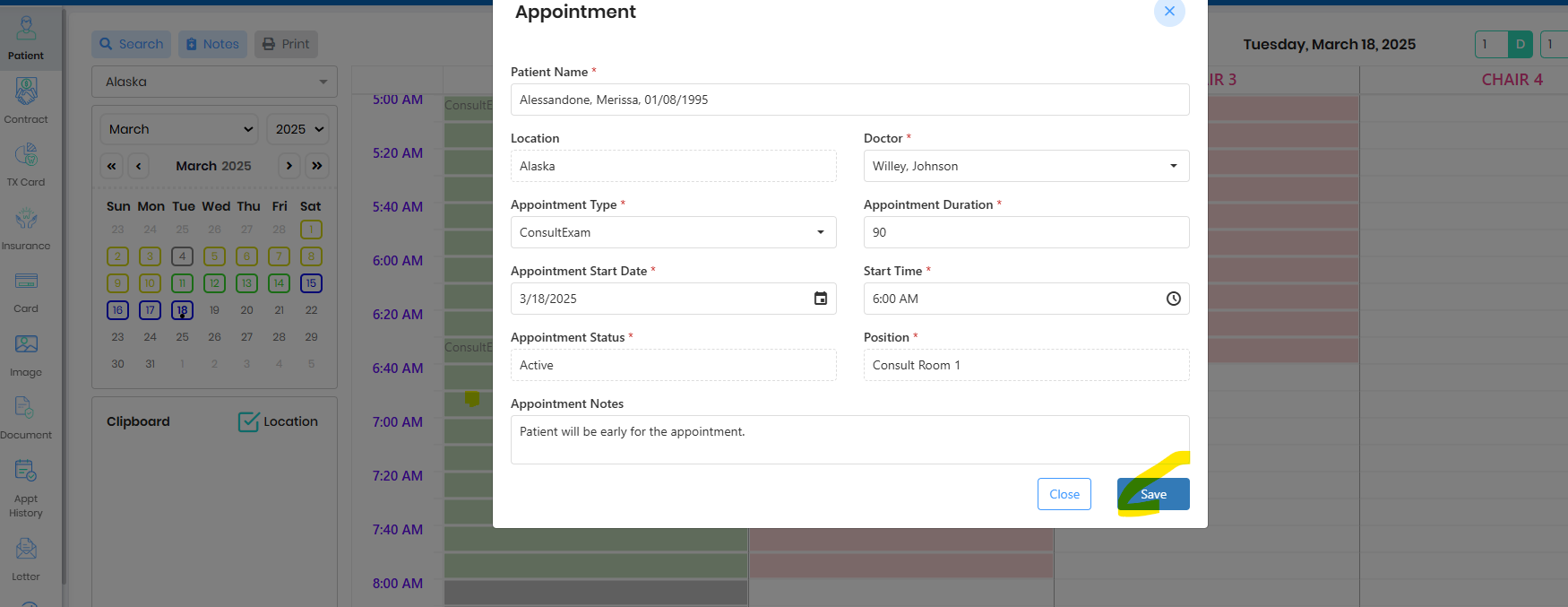
- Schedule Patient Exam, double click on the schedule slot and save the schedule
- Go to Patient Summary by clicking on the 3 dots in the scheduled patient appointment
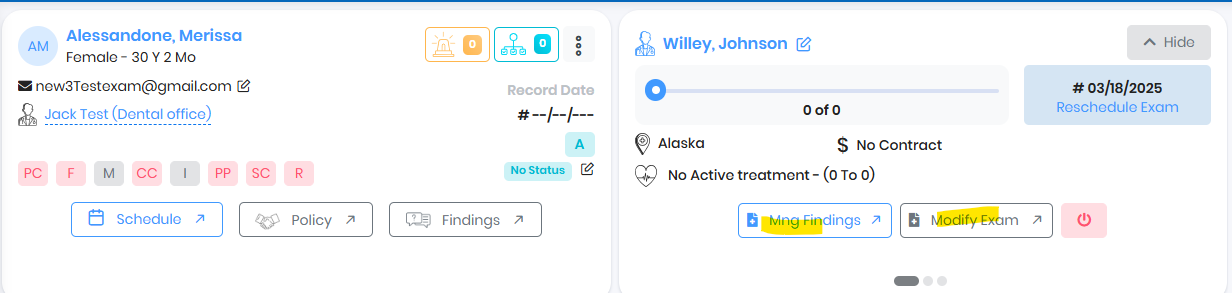
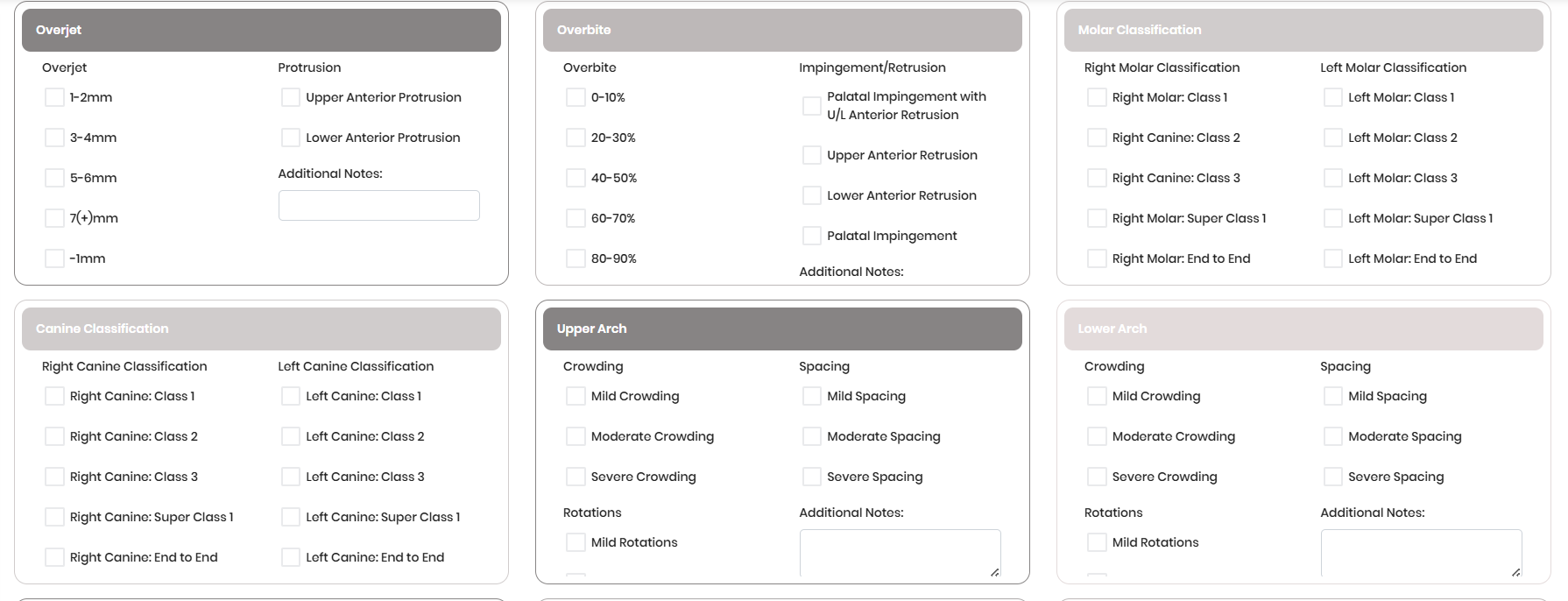
- Go to Manage Findings, complete the findings and exam result.
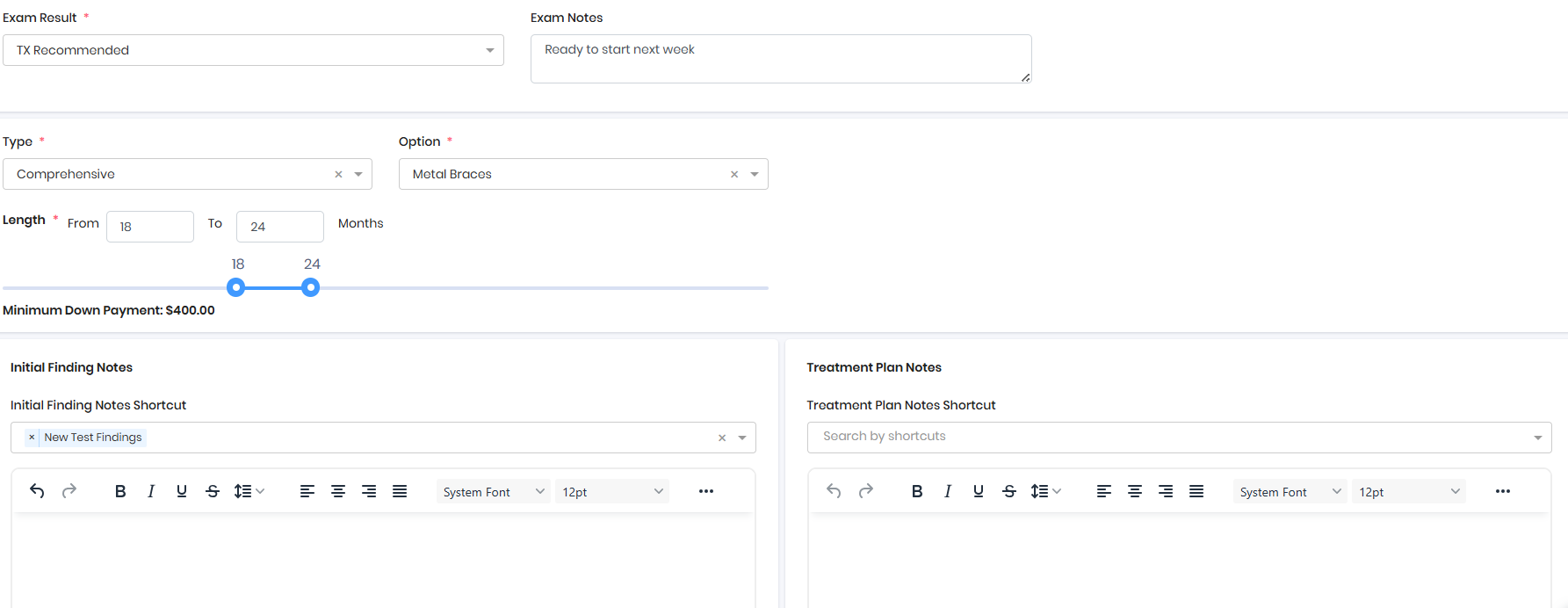
- Design the Treatment Plan
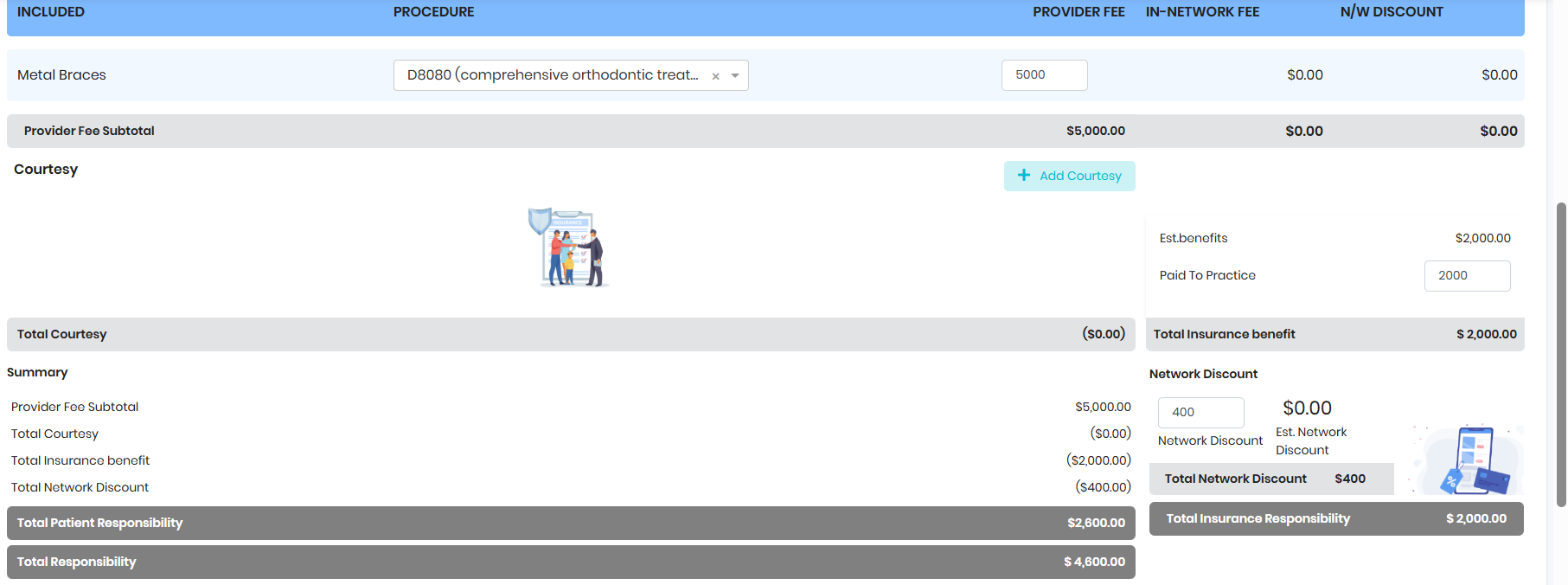
- Customize the payment plan as needed and Send Payment Plan to FRP
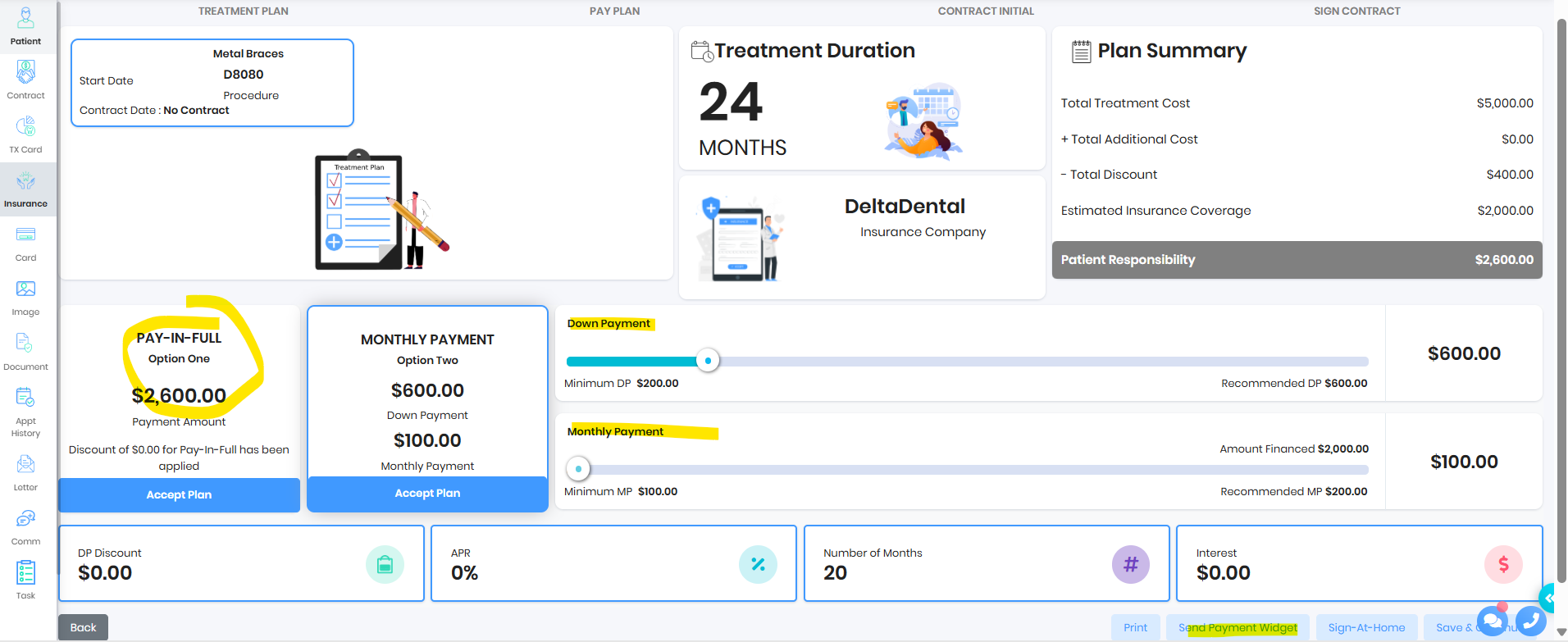
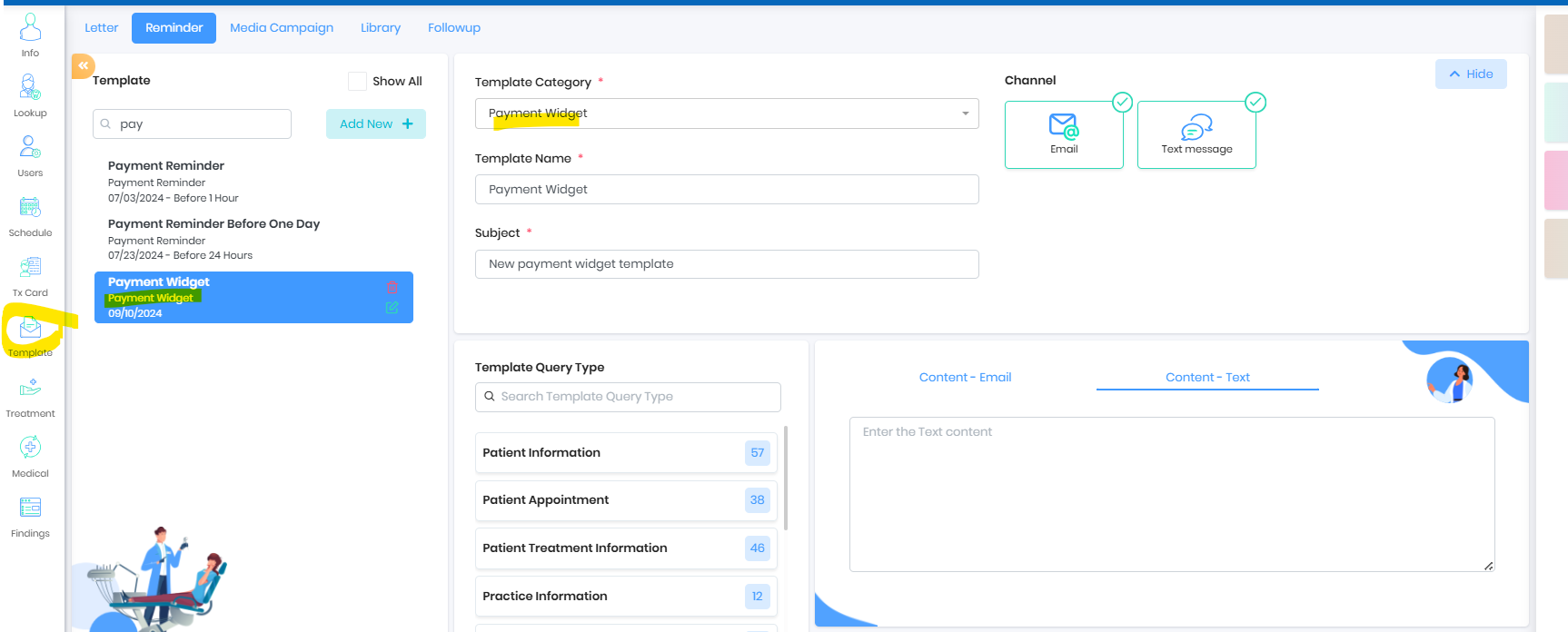
- Patient receives the payment plan in email to review, modify and confirm the plan. The content to send via email and text can be customized by the practice as needed.

- Patient can click on the link and update their payment plan. The widget will respect the practice parameters set for Down Payment and Monthly Payment
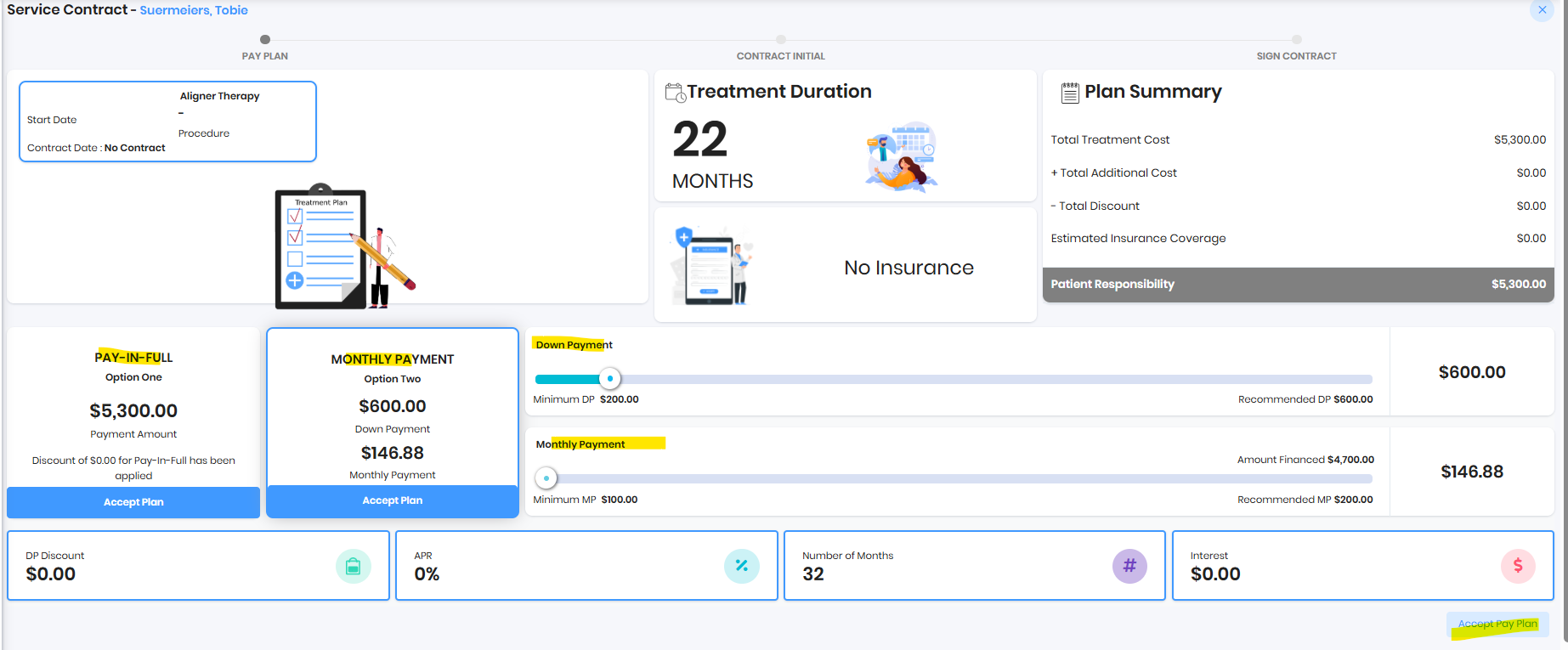
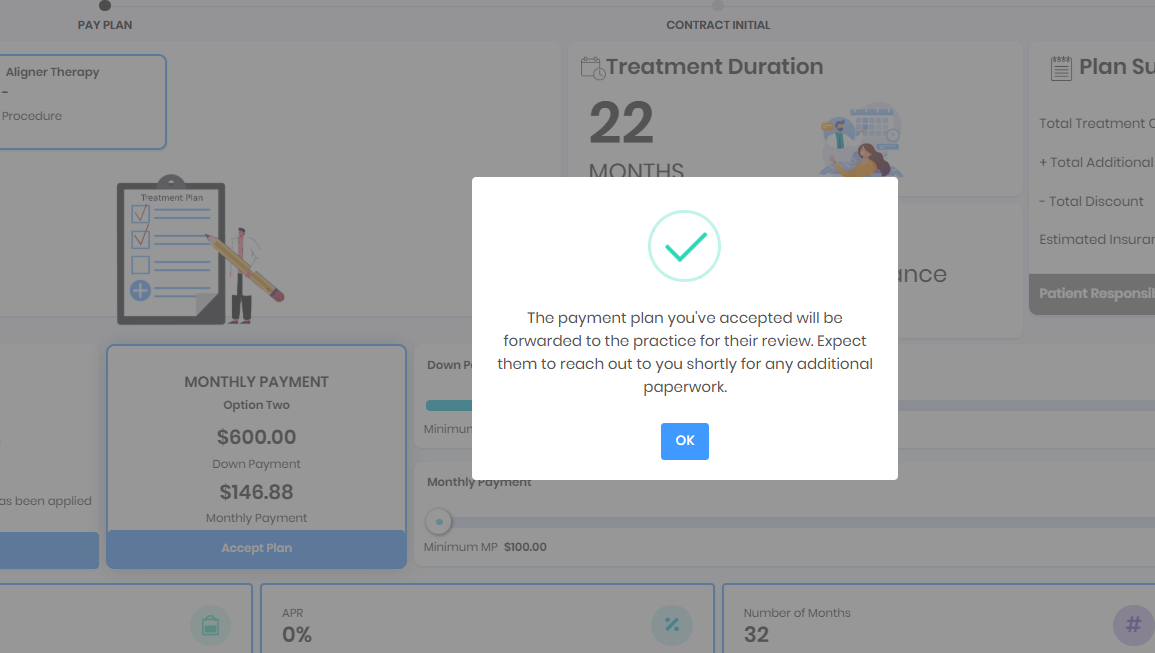
- Once patient accepts payment plan, practice should see the patient on the tracker
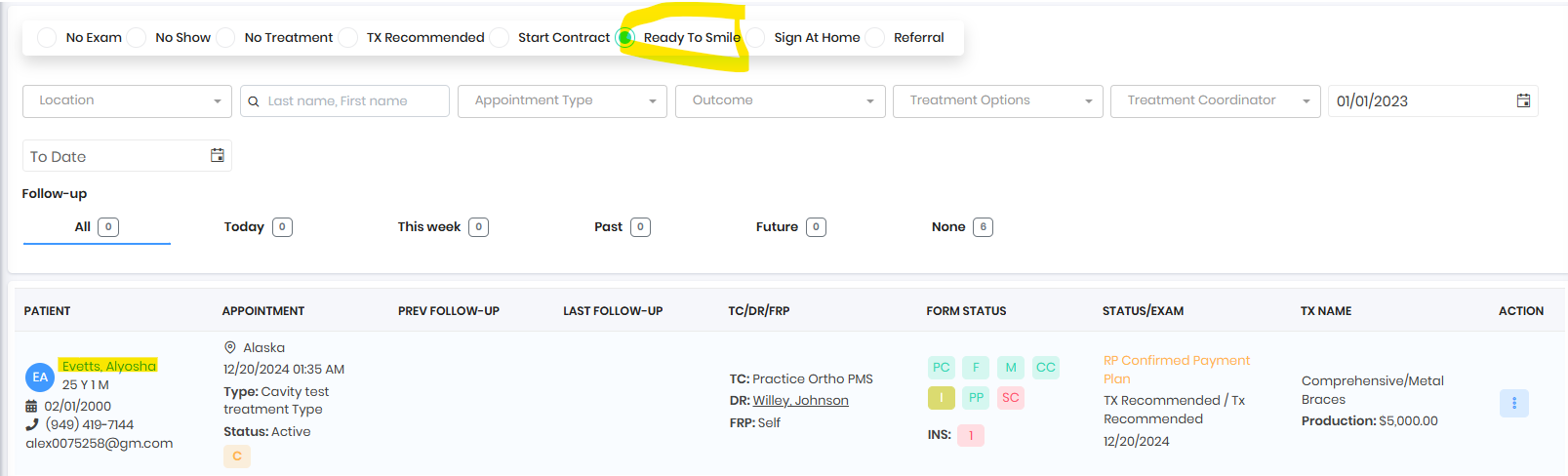
- Practice can schedule bonding appointment to complete the proess
Was this article helpful?
That’s Great!
Thank you for your feedback
Sorry! We couldn't be helpful
Thank you for your feedback
Feedback sent
We appreciate your effort and will try to fix the article